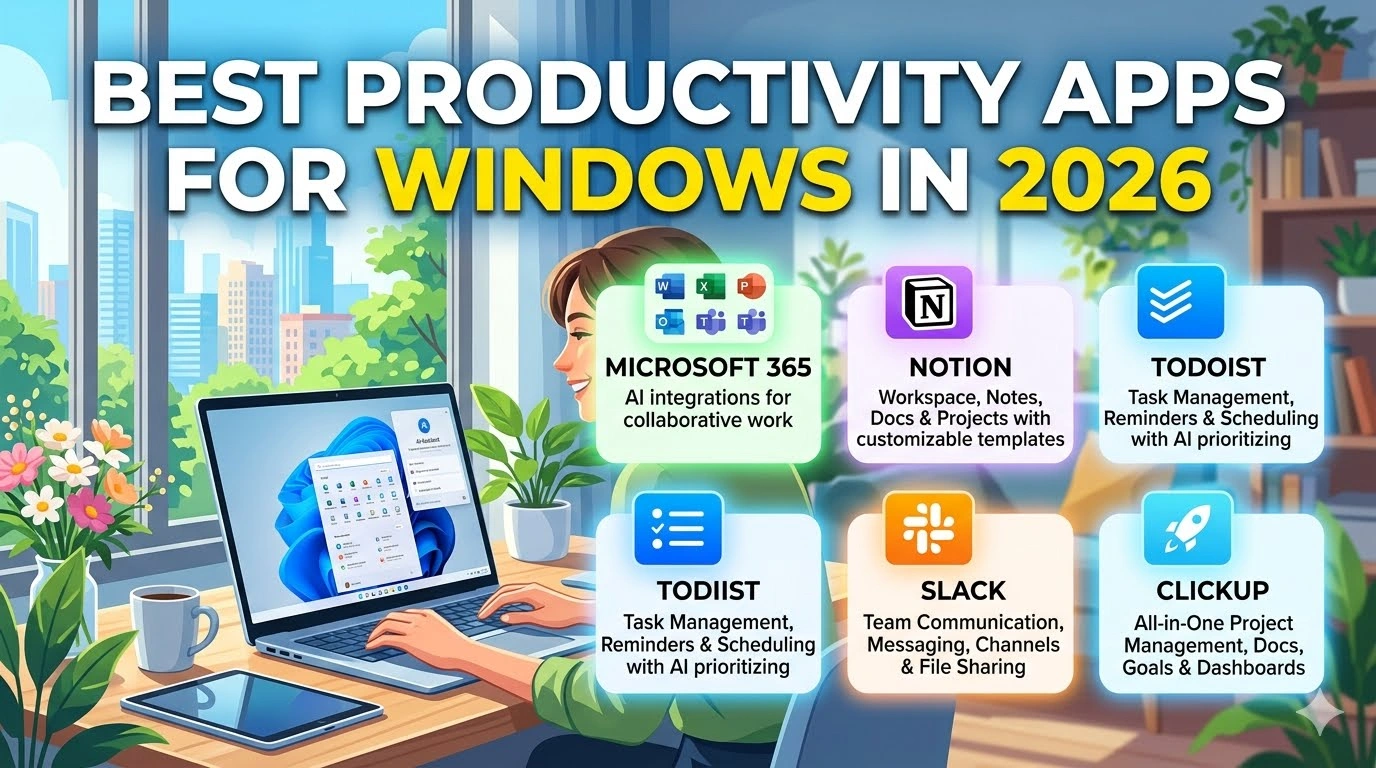
Windows users in 2026 have access to more productivity tools than ever before. From AI-powered assistants and note-taking applications to project management platforms and communication tools, modern software helps users stay organized, collaborate effectively, and complete tasks more efficiently.
Whether you’re a student, freelancer, remote worker, entrepreneur, or business professional, the right productivity apps can help you manage your workload, reduce distractions, and maximize your daily output.
In this guide, we’ll explore the best productivity apps for Windows in 2026 that are helping millions of users work smarter and achieve more.
Why Productivity Apps Matter
The modern workplace is increasingly digital and fast-paced. Productivity applications help users:
- Organize tasks and projects
- Improve team collaboration
- Automate repetitive work
- Manage schedules and deadlines
- Take better notes and store information
- Reduce time spent switching between tools
- Enhance focus and efficiency
With artificial intelligence becoming a standard feature in many applications, productivity tools are now more powerful than ever.
Top Productivity Apps for Windows in 2026
The following apps represent some of the most effective productivity solutions available for Windows users today.
1. Microsoft Copilot
Microsoft Copilot is one of the most useful AI-powered productivity tools available for Windows users today. Built directly into Windows 11 and integrated across Microsoft 365 applications, it helps streamline daily tasks, improve efficiency, and reduce time spent on repetitive work.
Whether you need to draft emails, summarize long documents, create presentations, or analyze spreadsheet data, Copilot can complete many tasks with simple natural-language commands.
Key Features
- AI-powered writing and content generation
- Intelligent Excel data analysis and insights
- Automatic meeting notes and summaries
- Voice-enabled assistance and conversational commands
- Integration with Outlook, Word, Excel, Teams, and PowerPoint
- Task automation across Microsoft 365 applications
Why Microsoft Copilot Stands Out
Microsoft Copilot helps users work faster by automating routine tasks and providing instant assistance directly within the tools they already use. Instead of spending time formatting documents, analyzing data, or drafting messages manually, users can focus on more important work such as problem-solving, collaboration, and creativity.
For professionals, students, and business users, Copilot can significantly boost productivity while simplifying everyday workflows.
2. Notion
Notion continues to dominate the productivity space in 2026. It combines note-taking, task management, databases, wikis, and collaboration into one flexible platform.
Key Features:
- Custom workspaces
- AI-assisted content generation
- Team collaboration tools
- Project and task tracking
- Templates for personal and business use
Why It’s Great:
Notion adapts to different workflows, making it ideal for students, remote teams, and entrepreneurs.
3. Todoist
Todoist remains one of the best task management apps available for Windows. Its clean interface and powerful organization tools help users stay on top of deadlines and daily responsibilities.
Key Features:
- Recurring tasks
- Priority levels
- Productivity tracking
- Cross-platform syncing
- AI-powered task suggestions
Why It’s Great:
Todoist is simple enough for beginners while offering advanced features for power users.
4. Slack
Communication is essential for productivity, and Slack remains a leading collaboration platform in 2026.
Key Features:
- Organized channels
- Video and voice calls
- AI meeting recaps
- Integration with thousands of apps
- File sharing and searchable conversations
Why It’s Great:
Slack centralizes team communication and reduces the need for lengthy email threads.
5. Trello
Trello’s visual project management system continues to help individuals and teams organize workflows effectively.
Key Features:
- Drag-and-drop Kanban boards
- Automation tools
- Timeline and calendar views
- Team collaboration features
- Integration with Google Drive and Slack
Why It’s Great:
Its intuitive design makes project management simple and highly visual.
6. Obsidian
Obsidian has become a favorite app for knowledge management and personal organization. It allows users to create interconnected notes using markdown files.
Key Features:
- Local-first storage
- Graph view for linked notes
- Plugin ecosystem
- Offline access
- Advanced customization
Why It’s Great:
Obsidian is excellent for researchers, writers, and anyone who wants to build a personal knowledge system.
7. Grammarly
Grammarly continues to be one of the best writing assistants for Windows users in 2026.
Key Features:
- Grammar and spelling correction
- Tone detection
- AI writing suggestions
- Plagiarism checker
- Browser and desktop integration
Why It’s Great:
It improves writing quality and helps users communicate more clearly and professionally.
8. ClickUp
ClickUp has evolved into a complete productivity platform for businesses and teams.
Key Features:
- Task and project management
- Time tracking
- AI productivity tools
- Goal setting
- Real-time collaboration
Why It’s Great:
ClickUp replaces multiple apps by combining productivity features into one platform.
9. Microsoft OneNote
OneNote remains a reliable and free note-taking app for Windows users.
Key Features:
- Handwritten notes support
- Cloud synchronization
- Multimedia notes
- Collaboration tools
- Integration with Microsoft Office
Why It’s Great:
Its flexibility makes it suitable for students, professionals, and casual users alike.
10. Focus To-Do
Focus To-Do combines task management with the Pomodoro technique to improve concentration and time management.
Key Features:
- Pomodoro timer
- Task organization
- Productivity reports
- Reminders
- Cross-device syncing
Why It’s Great:
It helps users maintain focus and avoid burnout during long work sessions.
Conclusion
The best productivity apps for Windows in 2026 are designed to simplify work, improve organization, and increase efficiency. Whether you need AI assistance, project management tools, note-taking apps, or communication platforms, there is a solution available for every type of user.
Choosing the right combination of apps can dramatically improve your workflow and help you stay productive in an increasingly digital world.