
Browse the Internet Safely: 14 Essential Online Safety Tips
Browse the Internet Safely by using strong security habits, keeping your devices updated, recognizing suspicious websites, and protecting your personal…
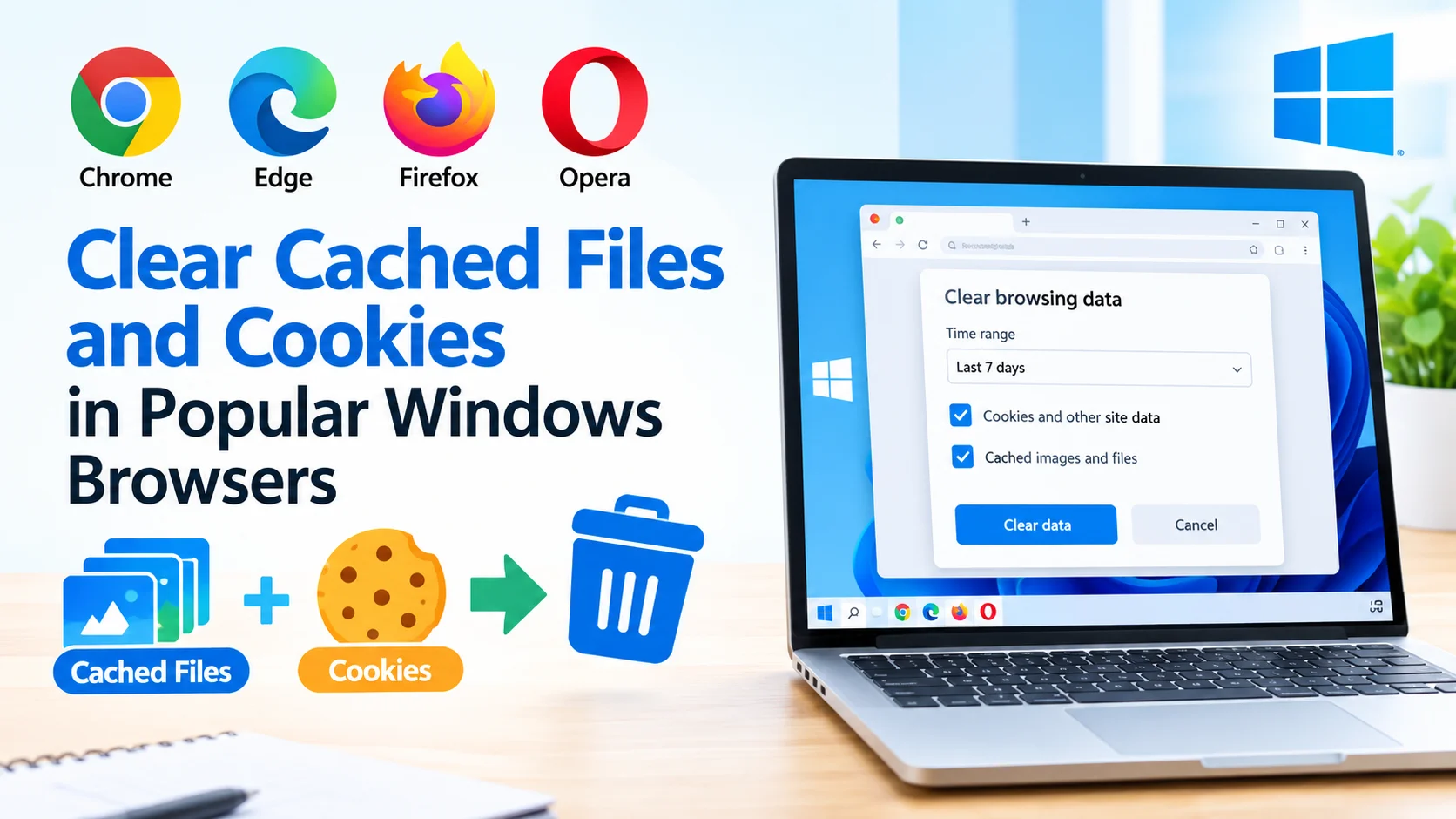
Clear Cached Files and Cookies in Popular Windows Browsers
Clear cached files and cookies in your Windows browser to remove outdated website data, troubleshoot loading problems, and improve browsing…
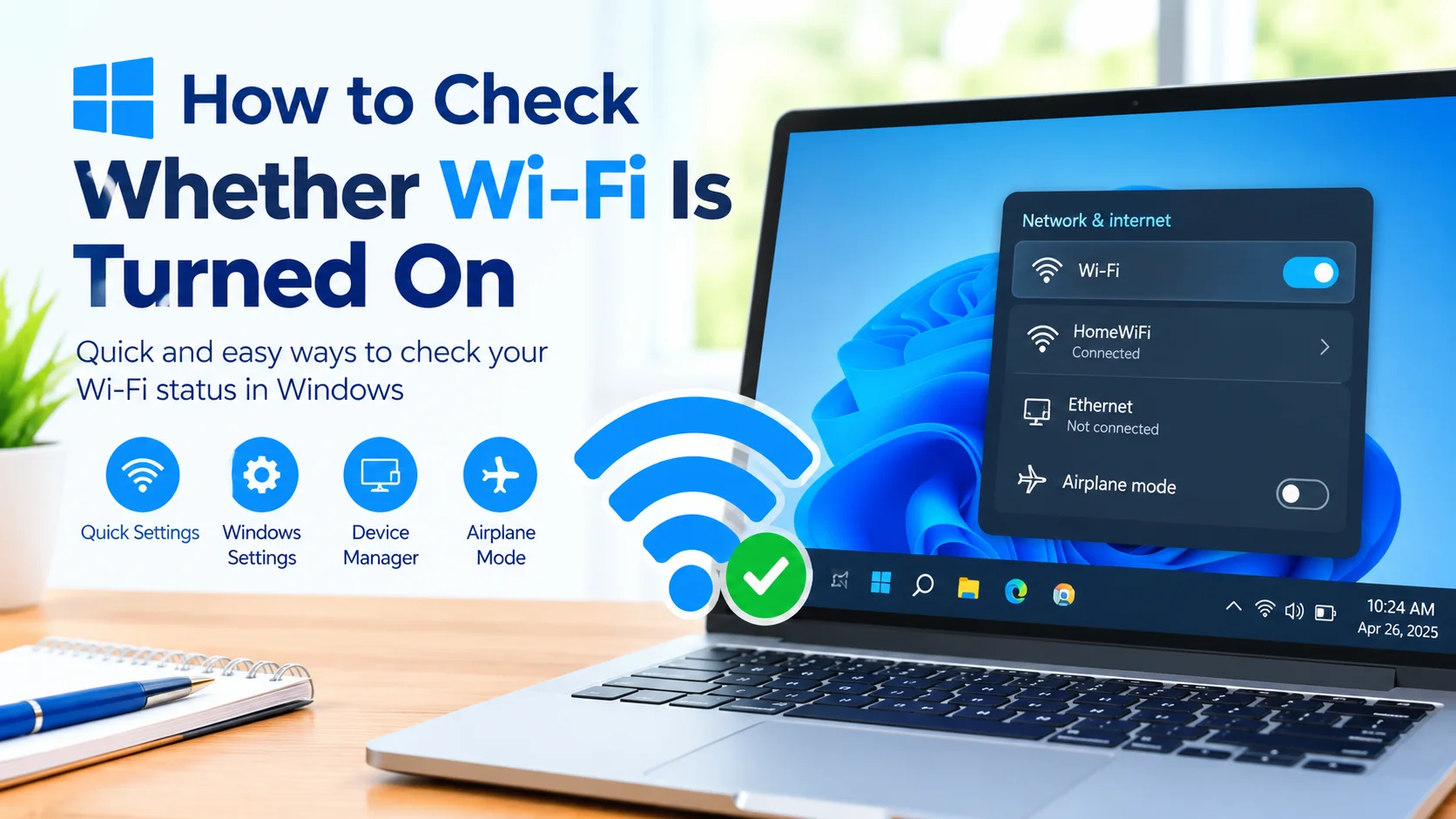
Check Whether Wi-Fi Is Turned On in Windows
Wi-Fi is one of the easiest ways to connect a Windows computer to the internet without using an Ethernet cable.…
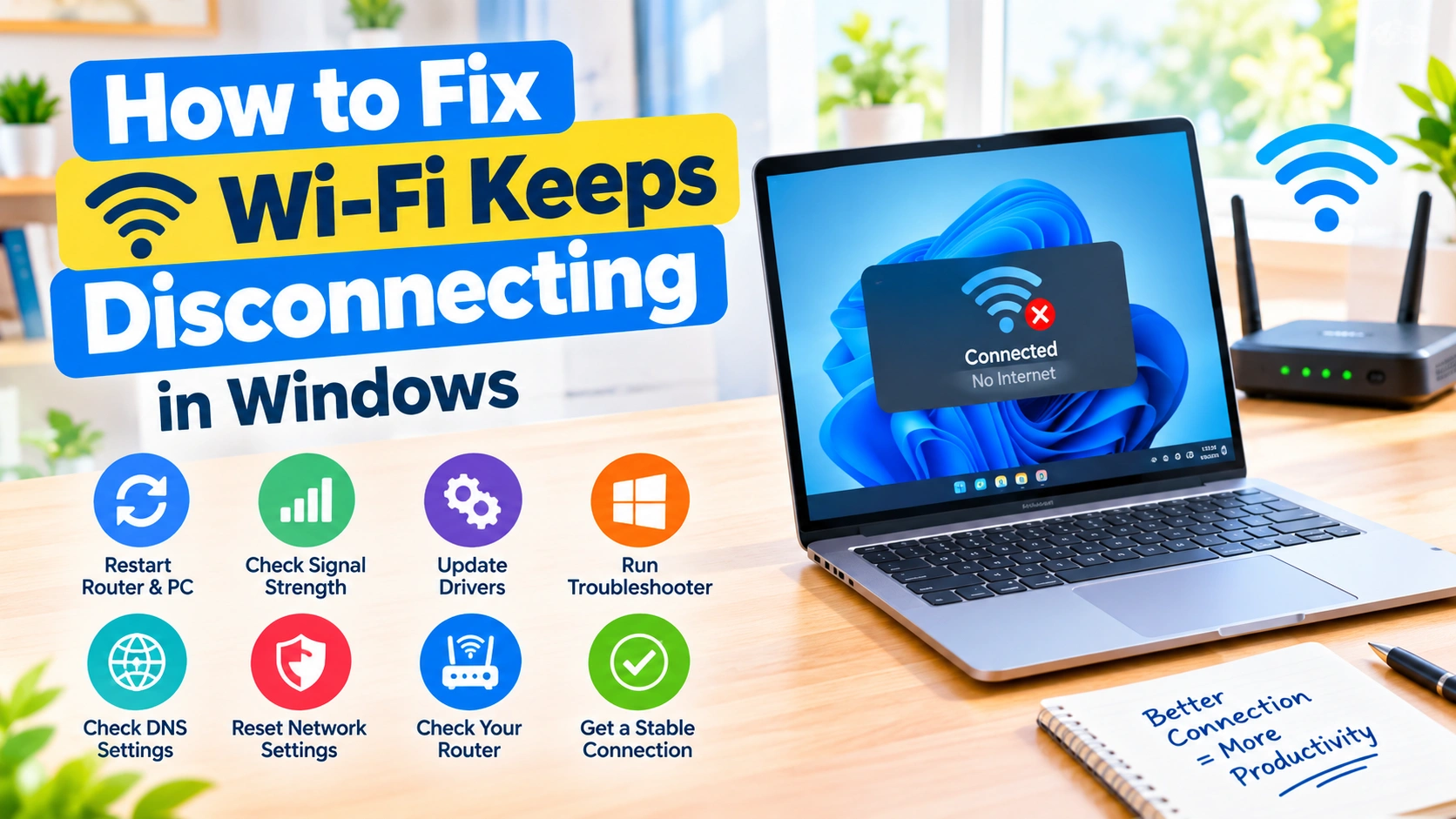
How to Fix Wi-Fi Keeps Disconnecting in Windows
Wi-Fi keeps disconnecting in Windows can make browsing, streaming, downloads, and video calls frustrating. The problem may be caused by…
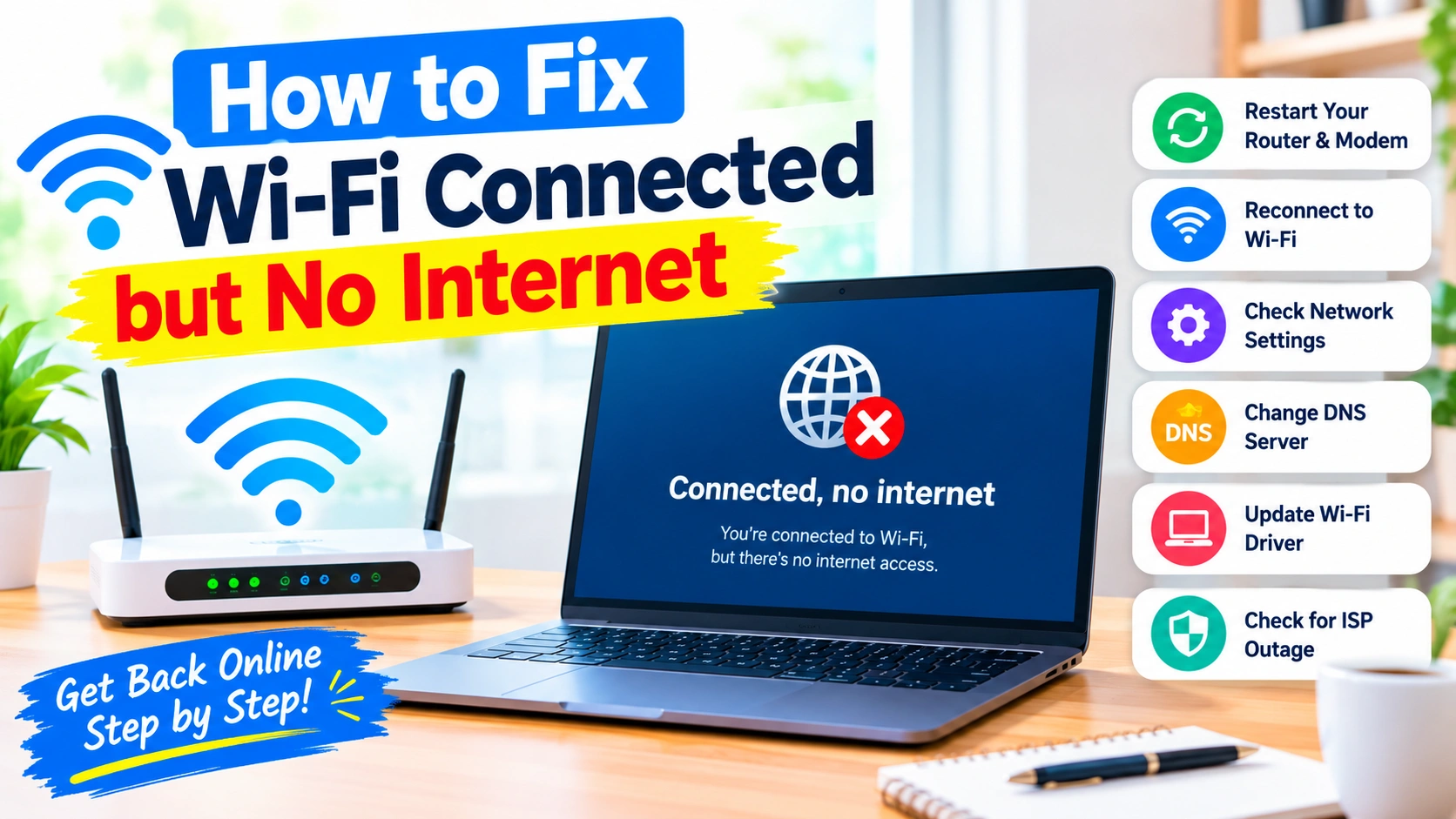
How to Fix Wi-Fi Connected but No Internet
Seeing “Connected, no internet” on your computer or phone can be frustrating. Your device may show a strong Wi-Fi signal,…
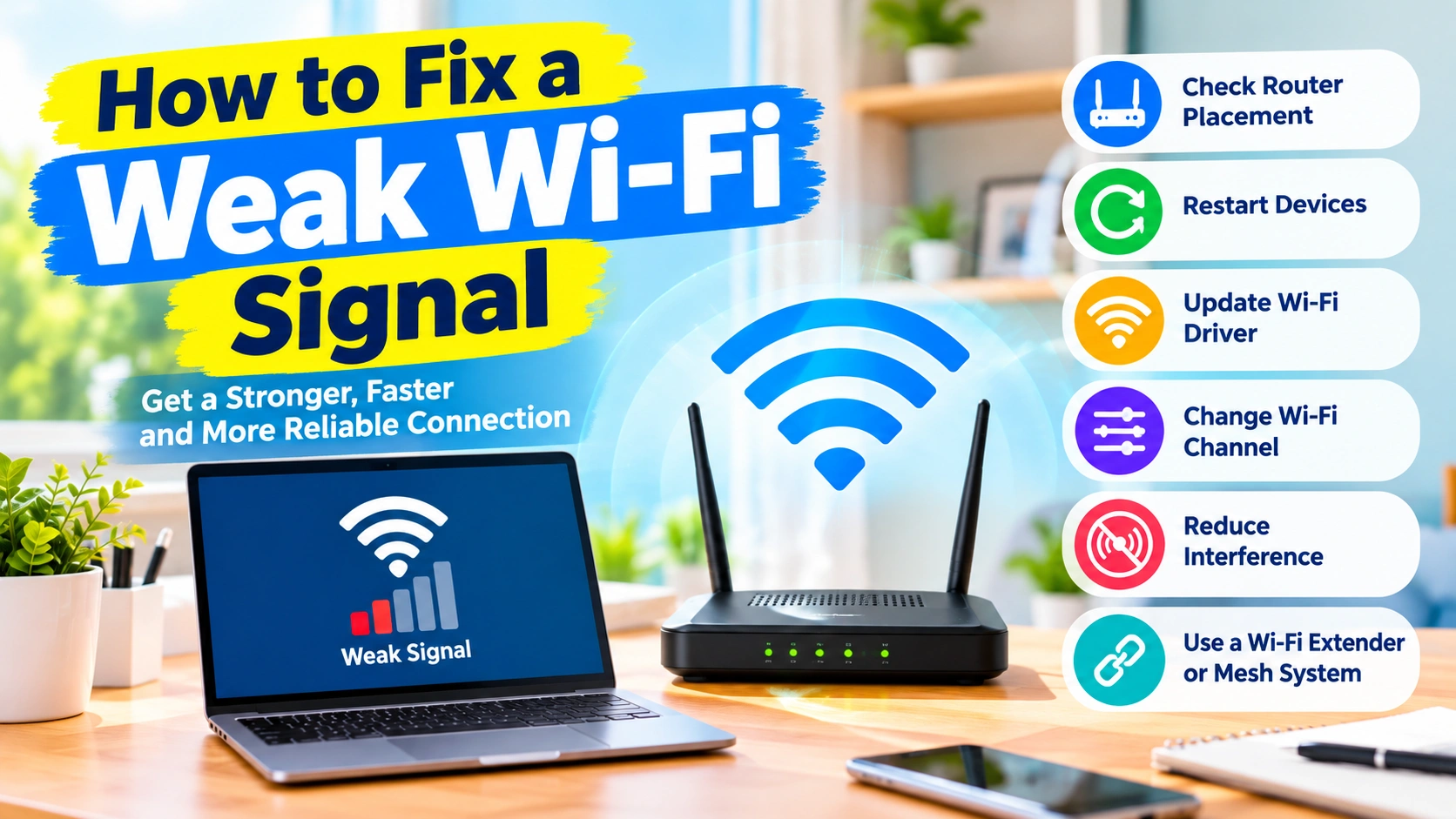
How to Fix a Weak Wi-Fi Signal: 15 Effective Solutions
A weak Wi-Fi signal can make everyday internet use frustrating. Web pages may load slowly, videos can buffer, downloads may…
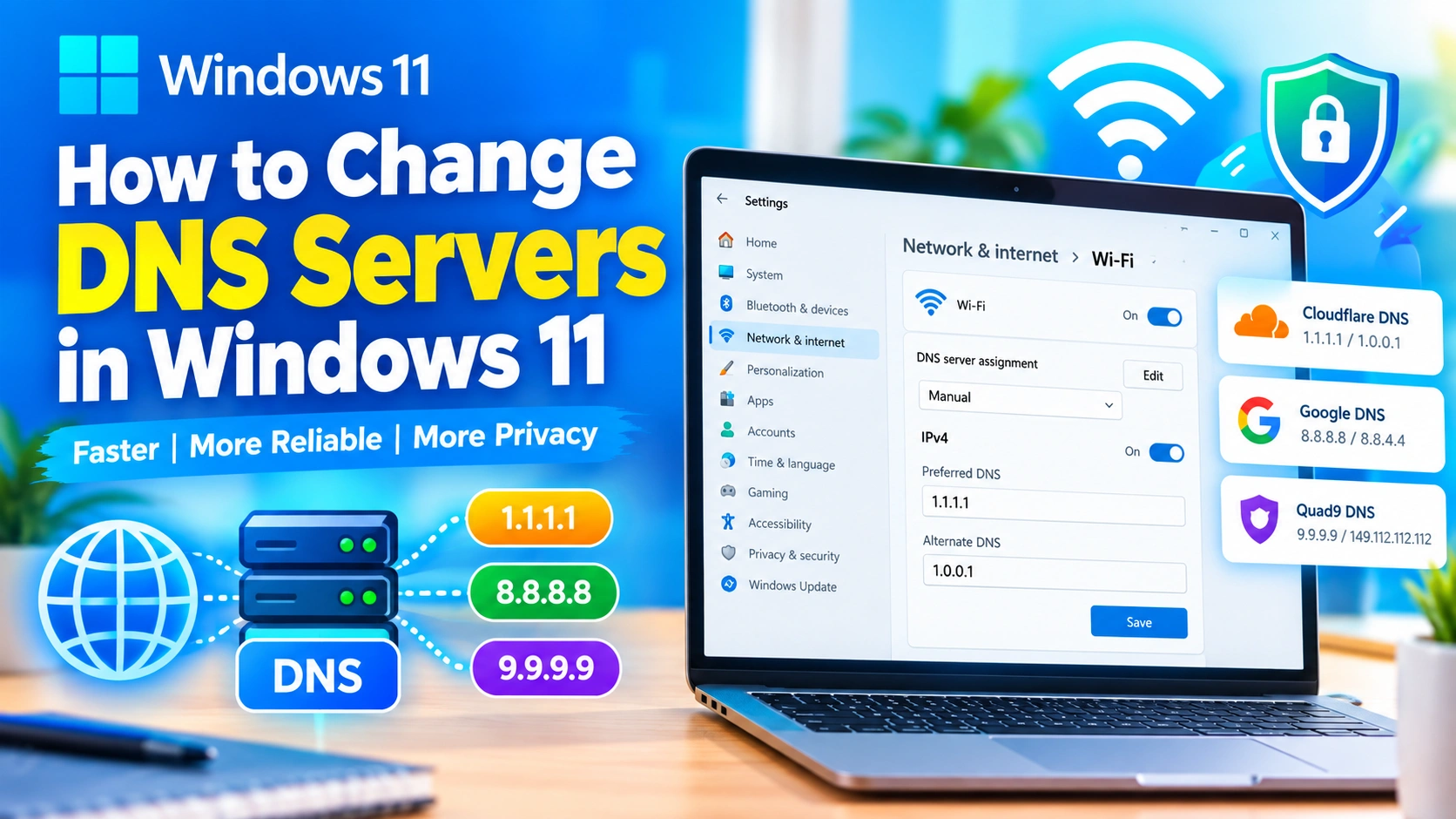
How to Change DNS Servers in Windows 11: A Complete Guide
Changing your DNS server in Windows 11 can help improve browsing reliability, increase privacy, and solve certain internet connection problems.…
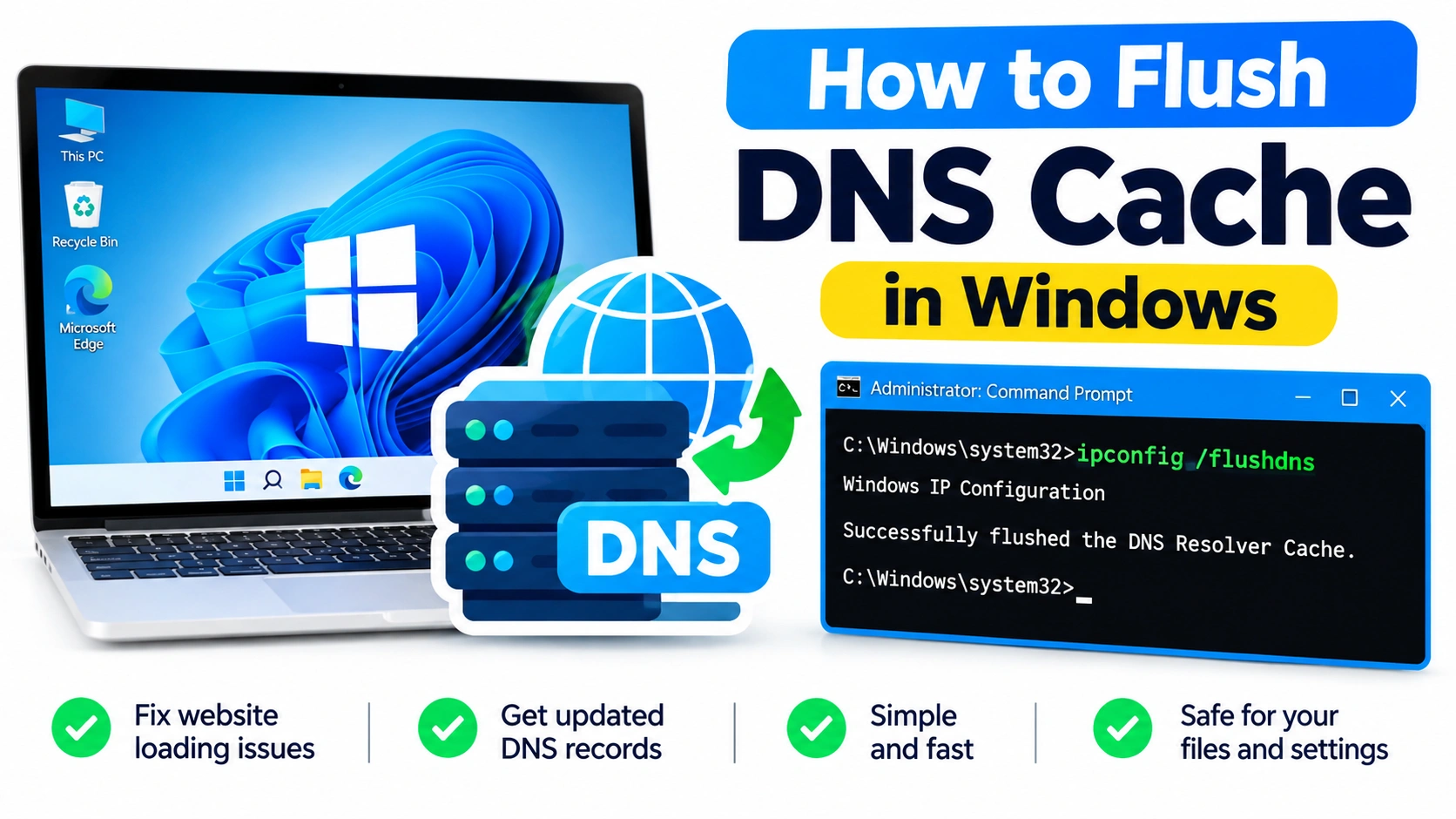
How to Flush DNS Cache in Windows
When websites suddenly stop loading, domain names resolve incorrectly, or your internet connection behaves strangely, the problem may be related…
How to Fix Network Adapter Problems
Network adapters are essential components that allow a Windows PC to connect to the internet and communicate with other devices.…

How to Fix Yellow Warning Icon Next to Wireless Adapter
Seeing a yellow warning icon next to your wireless adapter in Windows Device Manager usually means that Windows has detected…