

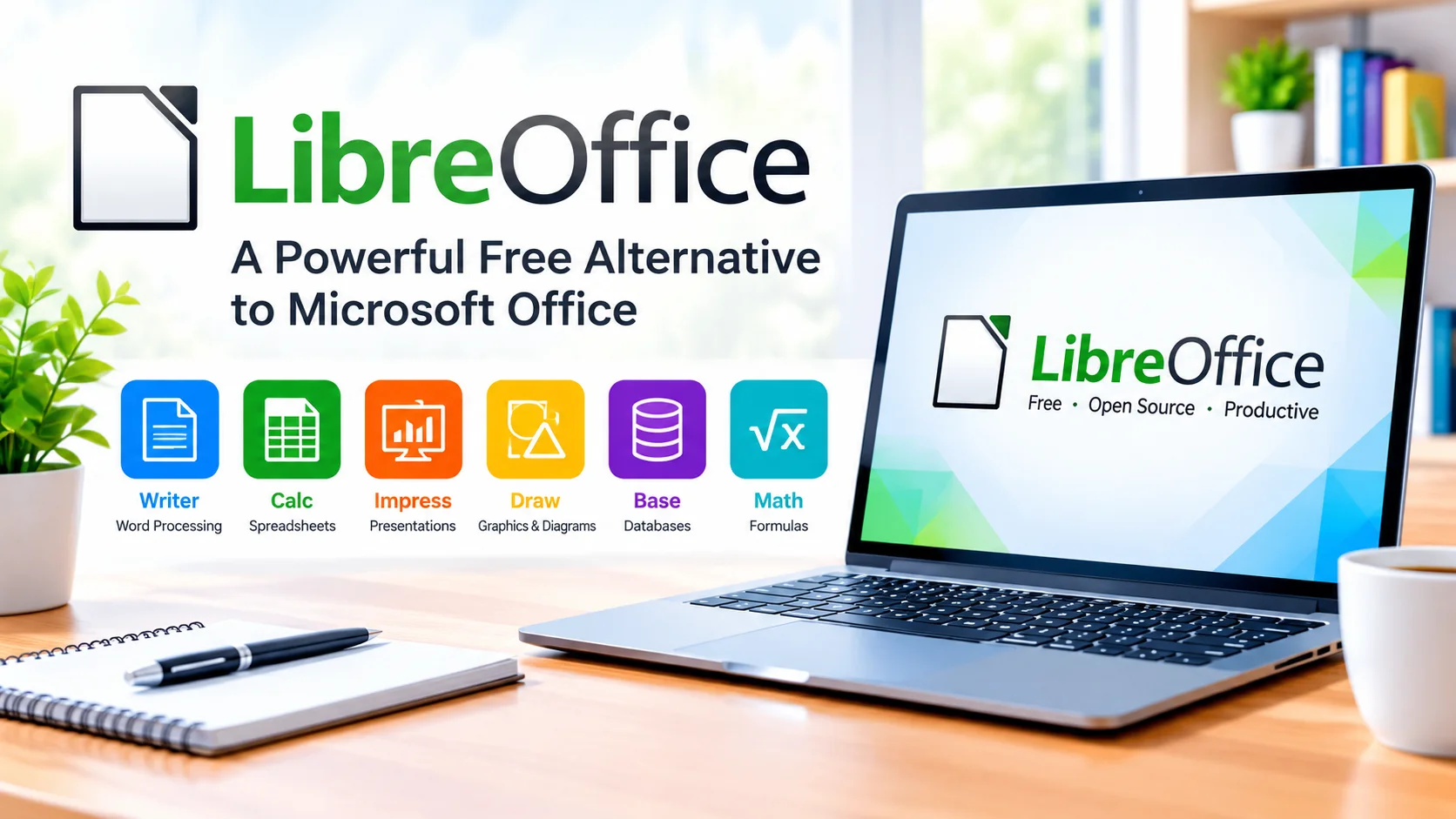
LibreOffice is a powerful free alternative to Microsoft Office that provides a complete set of productivity tools for everyday work, study, and personal projects. It includes applications for creating documents, spreadsheets, presentations, drawings, databases, and more.
Whether you need to write a report, calculate data, create a presentation, or work with office documents, LibreOffice offers many of the features users expect from a traditional office suite without requiring a paid subscription.
What Is LibreOffice?
LibreOffice is a free and open-source office productivity suite developed by The Document Foundation. It is designed to provide users with professional tools for creating and editing different types of documents.
Because LibreOffice is open source, users can install and use it without purchasing a traditional office license. It is available for major desktop operating systems, making it a flexible option for home users, students, businesses, and organizations.
Main Applications in LibreOffice
LibreOffice includes several applications, each designed for a specific type of productivity task.
Writer
Writer is the word-processing application in LibreOffice. You can use it to create letters, reports, resumes, essays, books, and other text-based documents.
It includes formatting tools, styles, tables, spell checking, page layouts, headers, footers, and other features for producing professional documents.
Calc
Calc is LibreOffice’s spreadsheet application. It can be used to organize information, perform calculations, create formulas, and analyze data.
Calc supports charts, functions, sorting, filtering, and many other spreadsheet features. It can also open and save common spreadsheet formats.
Impress
Impress is designed for creating presentations. Users can create slides containing text, images, charts, shapes, and other visual elements.
It can be useful for classroom presentations, business meetings, training sessions, and personal projects.
Draw
Draw provides tools for creating diagrams, flowcharts, technical drawings, and other graphical content. It can also be useful for making simple layouts and illustrations.
Base
Base is LibreOffice’s database application. It provides tools for working with databases and creating forms, queries, and reports.
Math
Math is a formula editor that allows users to create and format mathematical equations and formulas for use in other LibreOffice applications.
LibreOffice Supports Microsoft Office Files
One useful feature of LibreOffice is its ability to work with many Microsoft Office file formats. For example, users can open and edit common Word, Excel, and PowerPoint files.
However, complex documents may not always display exactly as they do in Microsoft Office. Advanced formatting, fonts, macros, and specialized features can sometimes require adjustments after opening a file.
For important documents, it is a good idea to review the formatting before sharing or printing the finished file.
Benefits of Using LibreOffice
LibreOffice offers several advantages for users looking for an alternative office suite.
Free to use: You can install and use LibreOffice without purchasing a Microsoft Office subscription.
Open source: Its source code is publicly available, allowing a community of developers to contribute to the project.
Complete productivity suite: Writer, Calc, Impress, Draw, Base, and Math cover a wide range of common office tasks.
Offline productivity: Many tasks can be completed without an internet connection, making LibreOffice useful when reliable internet access is unavailable.
File compatibility: LibreOffice can work with a variety of commonly used document formats.
Cross-platform support: The suite is available for multiple desktop operating systems.
LibreOffice vs. Microsoft Office
LibreOffice and Microsoft Office provide many similar productivity features, but they are designed around different models.
Microsoft Office is a commercial productivity platform with applications such as Word, Excel, and PowerPoint, along with cloud-connected services and subscription options.
LibreOffice focuses on providing a free and open-source desktop office suite. This makes it particularly appealing to users who want essential office applications without recurring subscription costs.
The right choice depends on your workflow, compatibility requirements, collaboration needs, and preferred features.
Is LibreOffice Good for Everyday Use?
For many users, LibreOffice provides everything needed for everyday productivity. You can write documents, manage spreadsheets, create presentations, produce diagrams, and work with various file formats from one application suite.
It can be especially useful for students, home users, small organizations, and anyone who wants capable office software without paying for a subscription.
Tips for Getting Started With LibreOffice
After installing LibreOffice, start by opening the application that matches your task. Use Writer for documents, Calc for spreadsheets, and Impress for presentations.
If you regularly exchange files with Microsoft Office users, check the formatting after opening or saving documents. Saving a backup copy in LibreOffice’s native format can also help preserve editing features.
Learning keyboard shortcuts, templates, styles, and built-in formatting tools can make everyday work faster and more efficient.
Conclusion
LibreOffice is a powerful free alternative to Microsoft Office that combines essential productivity applications into one comprehensive suite. With Writer, Calc, Impress, Draw, Base, and Math, it provides tools for documents, spreadsheets, presentations, diagrams, databases, and mathematical formulas.
For users seeking capable office software without a subscription, LibreOffice is a practical option worth exploring.