

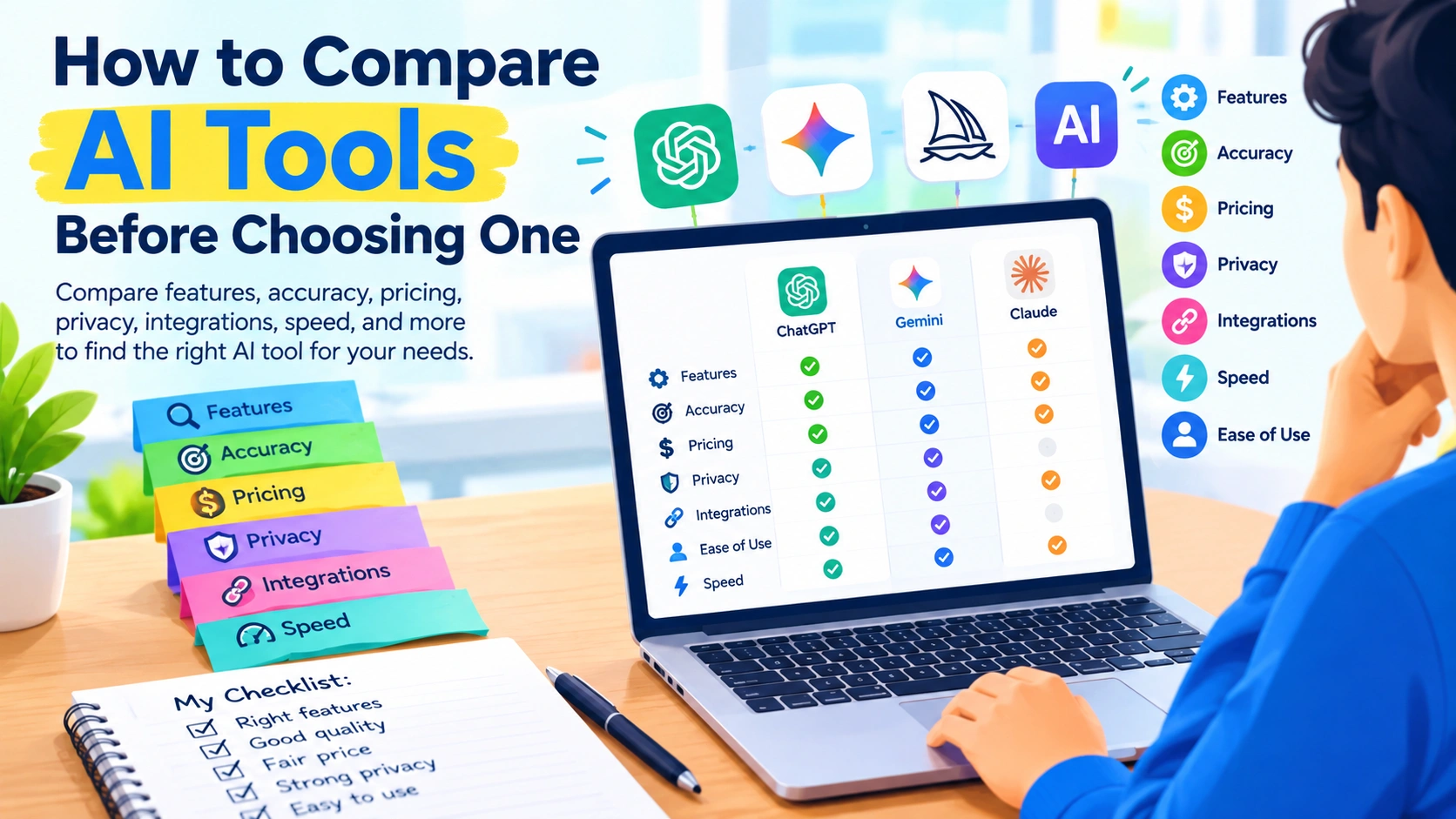
Artificial intelligence tools are becoming part of everyday work, from writing and research to image creation, coding, customer support, data analysis, and automation. With hundreds of AI services available, choosing the right one can be surprisingly difficult.
Two tools may appear similar but differ significantly in accuracy, features, pricing, privacy, speed, integrations, and ease of use. Instead of choosing an AI tool simply because it is popular, it is better to compare the options against the tasks you actually need to accomplish.
This guide explains how to compare AI tools before choosing one, what features to examine, and how to test competing tools fairly.
Why You Should Compare AI Tools Before Choosing One
AI tools can have very different strengths. One may produce excellent writing but offer limited research capabilities, while another may be better suited to coding or analyzing documents.
Comparing tools before committing can help you:
- Avoid paying for unnecessary features
- Find a tool that fits your workflow
- Compare output quality
- Understand usage limits
- Evaluate privacy and security
- Check compatibility with existing software
- Reduce the time spent switching between services
- Choose a solution that can scale with your needs
The most expensive or feature-rich AI tool is not automatically the right choice. The goal is to find the tool that provides the capabilities you need at an acceptable cost and level of complexity.
1. Define What You Want the AI Tool to Do
Start with your use case before looking at individual AI products.
For example, you might need an AI tool for:
- Writing blog posts
- Summarizing documents
- Generating images
- Coding and debugging
- Creating presentations
- Researching topics
- Analyzing spreadsheets
- Automating repetitive tasks
- Customer service
- Transcribing audio
- Brainstorming ideas
- Creating marketing content
Be specific about the tasks.
Instead of saying, “I need an AI writing tool,” define the requirement more precisely:
“I need an AI tool that can create SEO articles, rewrite existing content, generate outlines, and help produce social media posts.”
A precise requirement makes it much easier to compare tools objectively.
2. Compare AI Features That Actually Matter
AI platforms often advertise long lists of features. However, more features do not necessarily mean more value.
Create a shortlist of capabilities that are important to your workflow.
For example:
| Feature | Tool A | Tool B | Tool C |
|---|---|---|---|
| Text generation | Yes | Yes | Yes |
| Image generation | Yes | No | Yes |
| File analysis | Yes | Yes | Limited |
| Web research | Yes | Limited | Yes |
| API access | Yes | Yes | No |
| Automation | Limited | Yes | Yes |
This simple comparison can reveal differences that are difficult to notice when viewing each product separately.
Focus on useful features rather than the number of features.
3. Test the Quality of AI Responses
Output quality is one of the most important factors when comparing AI tools.
Don’t rely entirely on demonstrations provided by the companies. Test each tool using the same prompts and requirements.
For example, if you are comparing AI writing tools, give each one the same task:
“Write a 1,000-word beginner-friendly article about protecting a Windows PC from malware. Use headings, practical steps, and a concise conclusion.”
Then compare the results.
Look at:
- Accuracy
- Relevance
- Clarity
- Organization
- Originality
- Factual consistency
- Tone
- Amount of editing required
For coding tools, test the same programming problem. For image generators, use the same description. For research tools, ask the same factual question and verify the sources.
Using identical tests creates a more meaningful comparison.
4. Check Accuracy and Reliability
AI systems can produce incorrect information, sometimes with considerable confidence.
When comparing AI tools, don’t just ask which one produces the most impressive response. Check whether the information is actually correct.
For factual or research-oriented tasks, examine:
- Whether claims can be verified
- Whether sources are provided
- Whether citations are relevant
- Whether the AI distinguishes facts from assumptions
- How consistently it handles complex questions
For important decisions, independently verify AI-generated information regardless of which tool you choose.
A tool that produces fluent answers is not necessarily a tool that produces reliable answers.
5. Compare AI Pricing Carefully
AI pricing can be more complicated than simply comparing monthly subscription prices.
Look at what you actually receive for the price.
Important factors include:
- Free-plan limitations
- Monthly subscription cost
- Annual pricing
- Usage limits
- Message or credit limits
- File-size restrictions
- Image-generation limits
- API costs
- Team pricing
- Enterprise pricing
- Extra charges for premium models or features
A cheaper plan may become expensive if you regularly exceed its limits.
Likewise, paying for a premium plan may not make sense if you only use a few basic features.
Consider the Total Cost
The real cost of an AI tool can include more than its subscription.
For businesses, consider:
Subscription + API usage + additional software + employee time + integration costs
An inexpensive tool that requires significant manual work may ultimately cost more than a slightly more expensive tool that fits your workflow better.
6. Examine Privacy and Data Policies
Privacy should be an important part of any AI tool comparison, especially when handling business documents or confidential information.
Before uploading sensitive material, investigate how the provider handles user data.
Look for information about:
- Data retention
- Training use
- Account privacy controls
- Business data protection
- Data deletion
- Encryption
- Access controls
- Administrative features
- Compliance certifications, where relevant
Avoid assuming that every AI service treats uploaded information in the same way.
If you plan to use AI for work, review the provider’s current terms and privacy documentation before entering confidential information.
7. Look at Supported Integrations
An AI tool becomes much more useful when it works with the software you already use.
Depending on your workflow, check for integrations with:
- Google Workspace
- Microsoft 365
- Cloud storage
- Project management platforms
- Communication tools
- CRM systems
- Code repositories
- Databases
- Automation platforms
- APIs
For example, an AI assistant that integrates directly with your documents may be more convenient than a standalone chatbot that requires constant copy-and-paste work.
Integration quality can have a major effect on productivity.
8. Evaluate Ease of Use
A powerful AI tool can still be a poor fit if it is difficult to use.
During your trial, pay attention to:
- Interface design
- Navigation
- Prompt controls
- File uploads
- Export options
- Settings
- Collaboration features
- Mobile support
- Desktop applications
- Learning curve
Ask yourself how quickly a new user could become productive.
For teams, ease of use can be particularly important because complicated software may require additional training.
9. Compare Speed and Availability
Response speed matters when AI is part of a daily workflow.
Test each tool at different times and with different types of requests.
Consider:
- How quickly responses appear
- Whether long tasks take significantly longer
- How the service behaves during busy periods
- Whether premium models have separate speed limits
- Whether usage restrictions interrupt your workflow
A tool that saves several minutes on every task can provide meaningful productivity gains over time.
10. Check Context and File Handling
If you work with long documents, conversations, or datasets, examine how well each AI tool handles large amounts of information.
Important considerations include:
- Maximum file size
- Supported file formats
- Context limits
- Long-document performance
- Ability to reference earlier information
- Spreadsheet support
- PDF handling
- Image understanding
Don’t assume that because two AI tools support file uploads, they will handle large or complicated files equally well.
Use a real example from your workflow during testing.
11. Consider AI Model Options
Some platforms provide access to multiple AI models.
This can be useful because different models may be optimized for different tasks.
For example, one model might emphasize:
- Speed
- Reasoning
- Coding
- Writing
- Image understanding
- Long-context processing
- Lower operating costs
If a platform offers multiple models, determine whether you actually need that flexibility.
A simple interface with one capable model may be preferable for someone who doesn’t want to manage technical choices. More advanced users may value the ability to select different models for different tasks.
12. Test the Tool With Real Work
One of the best ways to compare AI tools is to use them on tasks you already perform.
Create a small test set of perhaps five to ten realistic tasks.
For example:
- Summarize a long document.
- Rewrite an email.
- Create an article outline.
- Analyze a spreadsheet.
- Generate ideas for a project.
- Research a technical topic.
- Write or debug a small piece of code.
Run these tasks through each candidate tool.
Record the results instead of relying on memory.
13. Measure How Much Editing Is Required
AI output isn’t useful simply because it looks good at first glance.
Consider how much work is required afterward.
For example:
Tool A
- Generates content in 2 minutes
- Requires 20 minutes of editing
Tool B
- Generates content in 3 minutes
- Requires 5 minutes of editing
Tool B may provide greater practical value even though its initial response takes longer.
Think about the total time to a finished result, not just the AI’s response time.
14. Examine Export and Sharing Options
Your workflow may require moving AI-generated content into other applications.
Check whether the tool supports convenient export options such as:
- Copying formatted text
- Word documents
- Spreadsheets
- Images
- Markdown
- Plain text
- API responses
Also check whether you can easily share results with coworkers or clients.
Small workflow features can make a significant difference when you use an AI tool every day.
15. Consider Customer Support
Support may not matter much for casual personal use, but it can be important for businesses.
Check whether the provider offers:
- Help documentation
- Tutorials
- Community forums
- Email support
- Live support
- Dedicated account support
- Service-status information
If an AI service becomes part of an important business process, the quality of its support infrastructure becomes more relevant.
16. Check for Vendor Lock-In
Before committing to an AI platform, consider how easy it would be to move your work elsewhere.
Ask:
- Can you export your data?
- Can you download generated files?
- Is there an API?
- Can you use your content outside the platform?
- Are integrations portable?
- Would changing tools require rebuilding your workflow?
The easier it is to move your data and processes, the more flexibility you retain.
17. Use a Simple AI Tool Comparison Scorecard
A scorecard can help you make the comparison more systematic.
You can assign each category a score based on your own requirements.
| Category | Importance | Tool A | Tool B | Tool C |
|---|---|---|---|---|
| Output quality | High | |||
| Accuracy | High | |||
| Price | High | |||
| Privacy | High | |||
| Features | Medium | |||
| Ease of use | Medium | |||
| Integrations | Medium | |||
| Speed | Medium | |||
| File support | Medium | |||
| Support | Low |
The important point is to customize the categories according to your needs rather than treating every feature as equally important.
18. Watch Out for AI Marketing Claims
AI products often use impressive marketing language.
Terms such as “most advanced,” “best,” or “next-generation” do not tell you whether a particular tool is suitable for your workflow.
Instead of relying on marketing claims, look for measurable information and conduct your own tests.
Ask:
- Does it solve my actual problem?
- Is the output consistently useful?
- What limitations affect my workflow?
- What does the subscription actually include?
- How does it handle my typical files and tasks?
Practical testing is usually more informative than promotional language.
19. Don’t Choose an AI Tool Based Only on Benchmarks
Benchmarks can be useful, but they don’t always predict real-world usefulness.
A model may perform strongly on a particular benchmark while another tool feels more useful for your everyday tasks because of its interface, integrations, file handling, or workflow features.
Use benchmarks as one source of information rather than the sole basis for your decision.
Your own use case should remain central.
20. Take Advantage of Free Trials
Whenever possible, test an AI service before paying for a long-term subscription.
During the trial period, deliberately test the features you expect to use most.
Keep notes about:
- Quality
- Speed
- Limits
- Errors
- Pricing
- Ease of use
- Integrations
- Privacy controls
A short hands-on trial can reveal problems that aren’t obvious from a product page.
A Practical AI Tool Comparison Checklist
Before choosing an AI service, ask yourself:
- What exact problem am I trying to solve?
- Which features do I actually need?
- How accurate is the output?
- How much editing is required?
- What are the usage limits?
- What does the subscription include?
- Are there additional costs?
- How is my data handled?
- Does it support the files I use?
- Does it integrate with my existing software?
- Is it easy to learn?
- Is it fast enough for my workflow?
- Can I export my work?
- What support is available?
- Can I switch providers later if necessary?
If you can answer these questions, you’ll have a much clearer picture of whether an AI tool fits your needs.
Common Mistakes When Comparing AI Tools
Choosing the Most Popular Tool
Popularity doesn’t guarantee that a product matches your specific workflow.
Comparing Only Prices
A lower subscription price doesn’t necessarily mean lower overall cost.
Testing With Only One Prompt
A single successful response doesn’t demonstrate consistent performance.
Ignoring Privacy
Never assume that all AI providers handle user data in the same way.
Focusing on Features You Won’t Use
A long feature list can be distracting if your actual needs are simple.
Forgetting the Human Editing Time
Always consider how much work is required after the AI produces its output.
Skipping the Trial
Testing a tool with real tasks is often more informative than reading specifications.
Final Thoughts
Choosing an AI tool doesn’t have to mean finding the platform with the longest feature list or the most impressive marketing campaign.
The better approach is to compare AI tools against your actual requirements. Define your use cases, test the same tasks across multiple tools, examine output quality, compare pricing and limits, review privacy policies, and evaluate how easily each service fits into your existing workflow.
Most importantly, measure the complete process rather than one isolated response. The right AI tool should help you accomplish useful work efficiently, reliably, and within the constraints that matter to you.
By using a structured comparison process, you can make a more informed decision and avoid paying for an AI service that doesn’t match the way you actually work.