

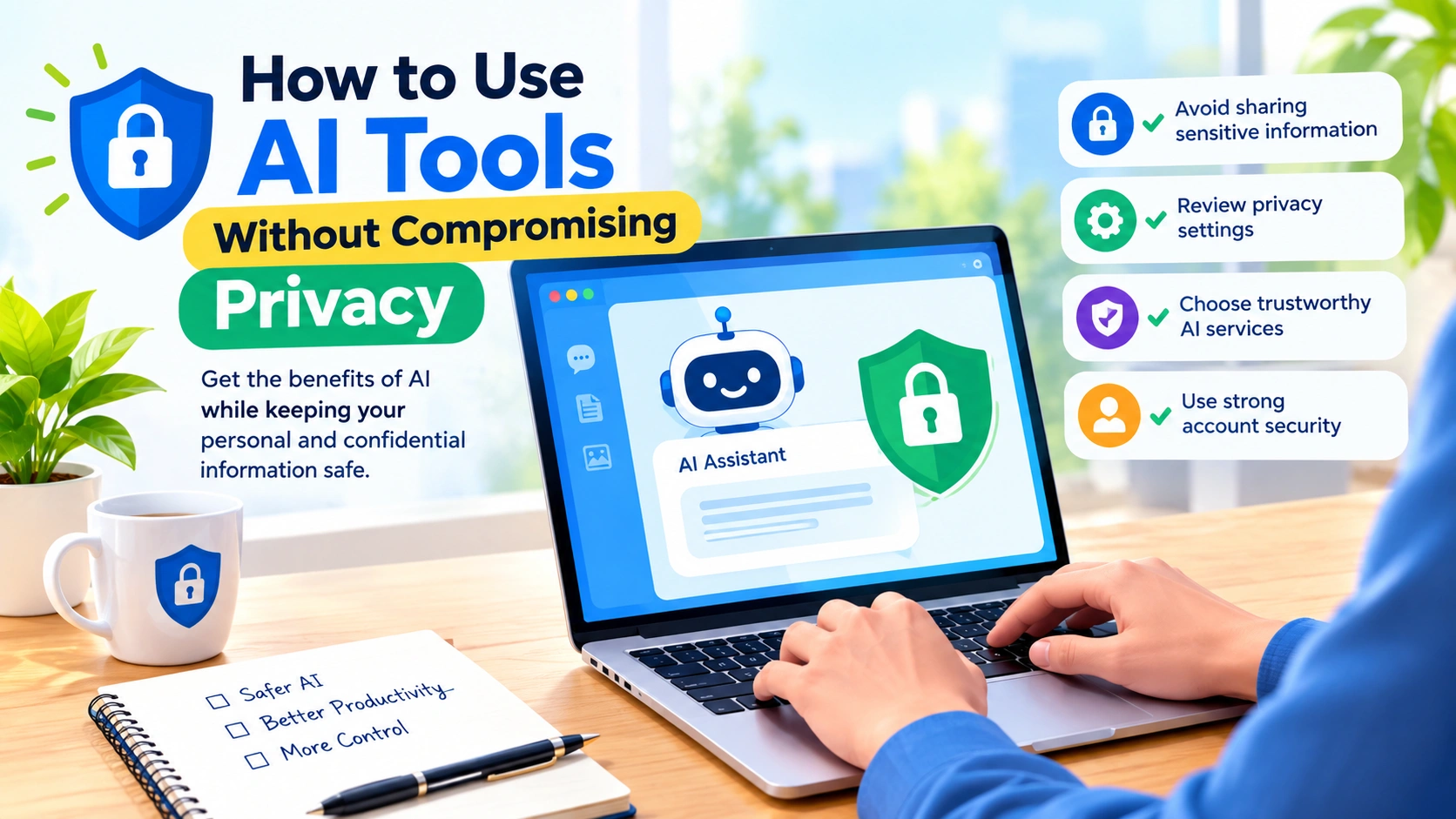
Artificial intelligence tools can make everyday tasks faster, from writing emails and summarizing documents to analyzing data and generating images. However, using AI responsibly also means understanding what happens to the information you provide.
How to use AI tools without compromising privacy starts with a simple principle: only share the information an AI service genuinely needs to complete your task. By reducing unnecessary data exposure, reviewing privacy settings, and choosing trustworthy services, you can enjoy the benefits of AI while keeping personal and confidential information safer.
Why AI Privacy Matters
AI tools often process the information users enter into prompts, upload as files, or provide through connected applications. Depending on the service and its settings, this information may be stored, reviewed, used to improve services, or retained for a specific period.
The risks can increase when prompts contain:
- Full names and contact details
- Home or workplace addresses
- Phone numbers and email addresses
- Financial information
- Passwords and login credentials
- Private business documents
- Customer information
- Medical or highly personal information
- Confidential conversations
- Identification numbers
This does not mean you should avoid AI completely. Instead, it is important to develop safer habits when interacting with AI services.
1. Read the AI Tool’s Privacy Policy
Before regularly using an AI platform, take a few minutes to understand its privacy practices.
Look for information about:
- What data the service collects
- How prompts and uploaded files are handled
- How long information is retained
- Whether human reviewers may access content
- Whether data is used to train or improve AI models
- How you can delete your information
- Whether the service offers business or enterprise privacy controls
Privacy policies can be lengthy, but you do not need to memorize them. Focus on the sections describing data collection, retention, training, sharing, and deletion.
2. Avoid Entering Sensitive Information
One of the easiest ways to improve AI privacy is to avoid putting sensitive information into prompts unless it is necessary and you understand how the service handles it.
For example, instead of asking an AI tool to summarize a customer complaint containing a person’s full contact information, remove unnecessary details first.
Instead of:
“Summarize this complaint from John Smith, john@example.com, whose account number is 458921.”
Use:
“Summarize this customer complaint. The customer says their recent order was delayed and they want a refund.”
The AI can often perform the same task without receiving identifying information.
3. Remove Personal Details Before Uploading Files
AI tools increasingly allow users to upload PDFs, spreadsheets, presentations, screenshots, and other documents.
Before uploading a file, inspect it for unnecessary personal information.
Check for:
- Names
- Addresses
- Email addresses
- Phone numbers
- Account numbers
- Signatures
- Internal company information
- Hidden spreadsheet tabs
- Document comments and tracked changes
- Metadata
If the private information is not required for the task, remove or replace it.
4. Use Anonymization and Pseudonyms
When an AI tool needs context but does not need real identities, replace identifying information with generic labels.
For example:
- “John Smith” → “Customer A”
- “Acme Corporation” → “Company X”
- “Jakarta office” → “Regional Office”
- Real project name → “Project Alpha”
This technique is particularly useful when asking AI to analyze customer feedback, workplace documents, case studies, or drafts.
Remember that simply changing a name may not be enough if other details can identify the person. Consider removing combinations of information that could reveal someone’s identity.
5. Check Privacy and Data-Control Settings
Many AI services provide settings that affect how your information is handled.
Depending on the platform, you may find options related to:
- Chat history
- Model training
- Data sharing
- Activity history
- Personalization
- Memory
- Connected applications
- File retention
- Account deletion
Review these settings before using an AI tool for sensitive work.
Privacy settings vary significantly between providers, so do not assume that one platform handles data the same way as another.
6. Be Careful With AI Browser Extensions
AI browser extensions can be convenient because they can summarize web pages, rewrite text, or assist with online research.
However, a browser extension may potentially interact with information displayed on websites or pages you visit.
Before installing an AI extension, check:
- What permissions it requests
- Which websites it can access
- Whether it can read page content
- What information it sends to external servers
- Who develops the extension
- Whether the developer provides a clear privacy policy
Avoid installing extensions simply because they promise convenient AI features.
7. Protect Passwords and Login Credentials
Never paste passwords, authentication codes, API keys, recovery codes, or private security credentials into an AI chatbot.
Even if you are troubleshooting a technical problem, replace sensitive values with placeholders.
For example, instead of sharing an actual API key, use:
API_KEY=YOUR_API_KEY_HERE
If you accidentally expose a real password, token, or API key, treat it as compromised and change or revoke it as appropriate.
8. Think Before Connecting Other Apps
Some AI services can connect to email, cloud storage, calendars, project management systems, or other applications.
These integrations can be useful, but they may give an AI service access to substantially more information than a single prompt.
Before connecting an account, ask:
- What information will the AI service be able to access?
- Does it need access to everything?
- Can permissions be limited?
- Can access be revoked later?
- What happens to information retrieved through the connection?
Use the principle of least privilege: give an AI tool only the access it actually needs.
9. Choose AI Tools From Trustworthy Providers
Privacy begins with choosing the service itself.
When evaluating an AI tool, consider:
- The company’s reputation
- Its privacy documentation
- Security practices
- Data retention policies
- Available privacy controls
- Whether data is encrypted
- Account security options
- Business or organizational controls
- Transparency about how information is processed
Be especially cautious with unknown AI websites that request large amounts of personal information or require unnecessary account permissions.
10. Use Separate Accounts When Appropriate
For some activities, separating personal and professional AI use can reduce accidental data exposure.
For example, an organization might provide employees with an approved business AI account rather than having staff upload company information to personal accounts.
This approach can make it easier to establish consistent privacy policies and control access to organizational data.
11. Don’t Assume “Private” Means “Completely Private”
AI services may use terms such as “private,” “secure,” or “confidential,” but these words can have different meanings.
A private conversation may still be stored for a period of time. A service may protect data from other users without guaranteeing that information is never processed or retained.
Read the provider’s actual documentation rather than relying solely on marketing language.
12. Keep AI-Generated Information Separate From Sensitive Records
If you use AI to draft reports, analyze information, or organize notes, avoid automatically copying sensitive material into permanent systems without reviewing it.
AI-generated content can contain errors, unexpected information, or details you did not intend to include.
Review generated content before:
- Publishing it
- Sending it to customers
- Adding it to company records
- Sharing it publicly
- Using it in important decisions
Privacy and accuracy should both be part of your review process.
13. Be Careful With Screenshots
Screenshots can accidentally reveal much more information than expected.
A screenshot may contain:
- Browser tabs
- Email addresses
- Notifications
- Customer names
- Document titles
- File paths
- Account information
- Internal messages
Before uploading a screenshot to an AI tool, crop or redact unnecessary information.
14. Don’t Share Confidential Business Information Without Approval
Employees should follow their organization’s AI policy before uploading company information.
Confidential materials may include:
- Contracts
- Financial reports
- Product roadmaps
- Source code
- Customer databases
- Internal strategy documents
- Unreleased products
- Employee records
If your organization has an approved AI platform, use it according to company policy rather than selecting an unknown public tool.
15. Use Local or On-Premises AI When Appropriate
For particularly sensitive workloads, organizations may consider AI systems that can operate within their own infrastructure or controlled environments.
Local or private AI deployments can provide greater control over where data is processed, although they still require proper security, access controls, updates, and monitoring.
For individual users, a local AI application may also be an option for certain tasks where keeping information on the device is important.
16. Review Your AI Chat History
If an AI service stores conversation history, periodically review what you have shared.
Delete conversations or files when appropriate, according to the provider’s available controls and your organization’s policies.
Also review connected applications and active sessions. Removing access that you no longer need can reduce unnecessary exposure.
17. Use Strong Account Security
Protecting your AI account is just as important as protecting the data you enter into it.
Use:
- A unique password
- Multi-factor authentication when available
- A password manager
- Security alerts
- Recovery methods you control
If someone gains access to your AI account, they may be able to see conversation history, uploaded files, connected applications, or other account information.
18. Create a “Privacy Check” Before Every AI Prompt
A simple habit can prevent many privacy mistakes.
Before sending a prompt, ask:
Do I need to share this information?
Then ask:
Can I remove names, identifiers, credentials, or confidential details and still get the answer I need?
If the answer is yes, remove them.
This quick check takes only a few seconds but can significantly reduce unnecessary data exposure.
A Simple AI Privacy Checklist
Before using an AI tool with potentially sensitive information, check the following:
- I know what information the tool collects.
- I understand its relevant data-retention practices.
- I have reviewed available privacy settings.
- I removed unnecessary personal information.
- I did not include passwords or authentication credentials.
- I removed confidential information that the AI does not need.
- I checked file contents before uploading them.
- I reviewed browser-extension permissions.
- I checked permissions for connected applications.
- I am using an approved service for sensitive business information.
- I will review AI-generated content before sharing it.
Common AI Privacy Mistakes to Avoid
Some privacy problems happen because AI tools are treated like ordinary search engines or word processors.
Common mistakes include:
Pasting an Entire Private Document
You may only need a small section analyzed. Sending the entire document can expose information unrelated to your task.
Uploading Personal Records Without Redaction
Remove unnecessary identifiers before uploading resumes, invoices, customer records, or other documents.
Sharing Credentials During Troubleshooting
Never provide real passwords, access tokens, private keys, or recovery codes.
Installing Unverified AI Extensions
A convenient extension is not automatically a trustworthy one. Review its permissions and developer information.
Connecting Too Many Accounts
Avoid granting broad access to email, cloud storage, or other services when a narrower permission is available.
Assuming AI Privacy Is Automatic
Privacy usually depends on the service, account type, settings, data involved, and how the tool is used.
How to Use AI More Privately
The safest approach is not to avoid AI altogether. Instead, combine several privacy practices.
Minimize data: Share only what the AI needs.
Anonymize information: Replace real identities with generic labels whenever possible.
Control access: Review integrations, permissions, and connected applications.
Protect accounts: Use strong authentication and unique passwords.
Review providers: Understand how each AI service handles your information.
Follow policies: Use approved tools when working with employer, customer, or organizational data.
Review before sharing: Check AI-generated content for accidental disclosure of private information.
Frequently Asked Questions
Can I use AI tools without sharing personal information?
Yes. Many AI tasks can be completed using anonymized or generalized information. Remove unnecessary names, contact details, account numbers, and other identifiers before submitting your prompt.
Is it safe to upload documents to an AI chatbot?
It depends on the AI provider, the type of document, and the service’s privacy and data-retention practices. Review the provider’s policies and remove sensitive information that is not necessary for the task.
Should I give an AI tool my password?
No. Never provide passwords, authentication codes, private keys, API keys, or recovery codes to an AI chatbot.
How can I protect confidential business information when using AI?
Use an AI service approved by your organization, follow its data-handling policies, minimize the information you provide, and avoid uploading confidential material to consumer services without authorization.
Can AI browser extensions create privacy risks?
They can, depending on the permissions they request and how they process browser content. Check the extension’s permissions, developer, privacy policy, and data practices before installing it.
Does deleting an AI chat remove all copies of the information?
Not necessarily. Deletion and retention practices vary between services. Review the provider’s documentation to understand how deletion works and whether information may be retained for legal, security, or operational reasons.
Final Thoughts
AI tools can be extremely useful without requiring you to give up good privacy practices. The key is to treat every AI interaction as a data-sharing decision.
Before entering information, consider whether the AI actually needs it. Remove unnecessary identifiers, protect credentials, review privacy settings, limit application permissions, and choose services with transparent data practices.
By making privacy a routine part of using AI, you can take advantage of AI-powered productivity while reducing unnecessary exposure of personal and confidential information.