

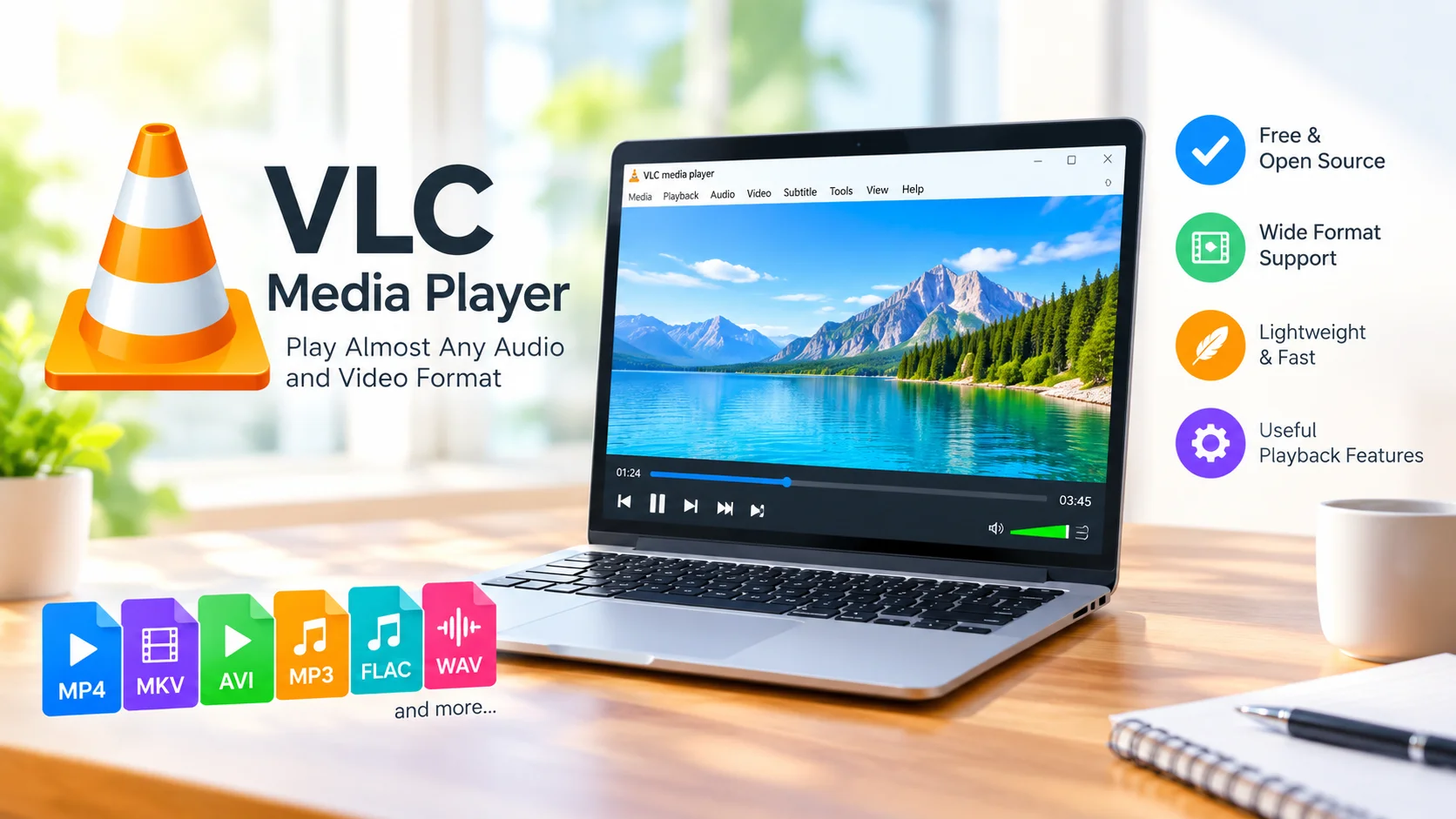
VLC Media Player is a lightweight, free, and versatile multimedia application designed to play a wide variety of audio and video files. Its simple interface, broad format support, and useful playback features make it a popular choice for users who want a reliable media player without unnecessary complexity.
What Is VLC Media Player?
VLC Media Player is a free, open-source multimedia player developed by the VideoLAN project. It can handle many common media formats without requiring users to install separate codecs for each file type.
Whether you want to watch a movie, listen to music, or open a media file downloaded from the internet, VLC provides a straightforward way to play it on your computer.
Supports Many Audio and Video Formats
One of VLC’s biggest advantages is its extensive format compatibility. It supports many popular audio and video formats, including MP4, MKV, AVI, MOV, MP3, FLAC, WAV, and more.
This wide compatibility can reduce the need to convert files before playing them. VLC can also handle network streams and other multimedia sources, making it useful for more than basic file playback.
Simple and Lightweight Design
VLC is designed to work efficiently without demanding excessive system resources. Its interface is relatively simple, allowing users to access essential playback controls without dealing with complicated menus.
The lightweight design makes VLC suitable for everyday media playback on a wide range of Windows PCs and other supported platforms.
Useful Playback Features
VLC includes more than basic play, pause, and volume controls. Users can adjust playback speed, change subtitles, select audio tracks, create playlists, and capture screenshots.
The application also provides options for adjusting video and audio settings, giving users greater control over their viewing and listening experience.
Play DVDs, Streams, and More
VLC can work with different media sources, including local files, optical media, network streams, and webcams, depending on the platform and configuration. This flexibility makes it a practical tool for users who regularly work with different types of multimedia content.
Why Choose VLC Media Player?
VLC Media Player is a useful option for anyone looking for a free multimedia player with broad format support. It does not require a subscription for basic playback and offers a large collection of features while maintaining a relatively straightforward interface.
Its combination of free access, wide media compatibility, and lightweight performance makes it suitable for watching videos and listening to music on a regular basis.
Final Thoughts
VLC Media Player remains a convenient solution for playing audio and video files across different formats. Its extensive compatibility, useful playback controls, and lightweight design make it a practical choice for everyday multimedia needs.
If you frequently encounter media files that other players cannot open, VLC is worth considering as a flexible all-purpose media player.