

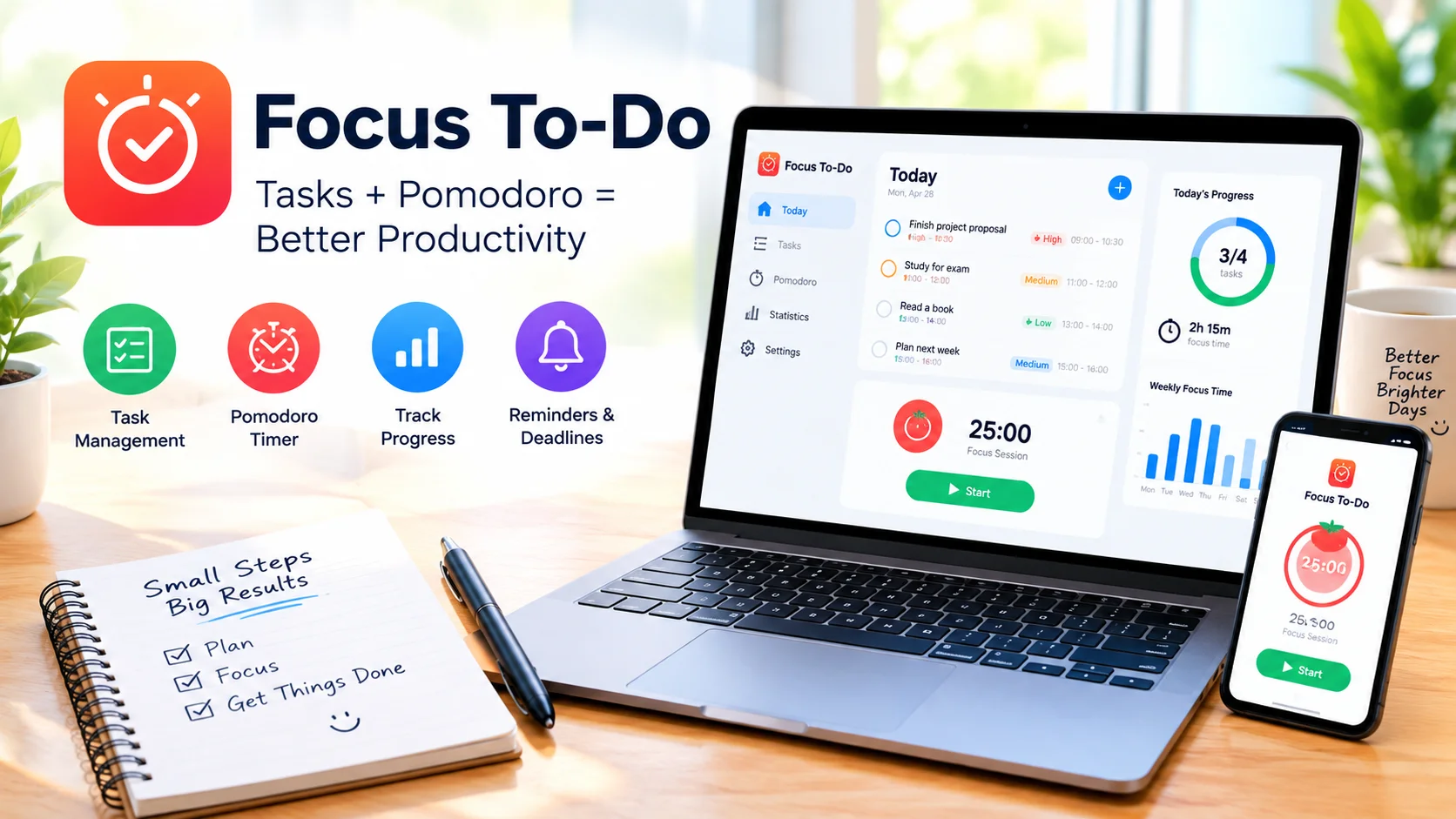
Focus To-Do combines task management with the Pomodoro technique to help users stay focused, organize their workload, and improve productivity. Instead of managing tasks and focus sessions separately, the app brings both functions together in one simple workspace.
Whether you are working, studying, planning projects, or handling daily responsibilities, Focus To-Do can help break large tasks into manageable sessions and create a more structured routine.
What Is Focus To-Do?
Focus To-Do is a productivity application built around the Pomodoro technique. This time-management method typically divides work into focused intervals followed by short breaks.
The app combines this approach with features such as task lists, reminders, recurring tasks, statistics, and time tracking. This makes it useful for people who want to monitor both what they need to accomplish and how they spend their time.
How the Pomodoro Technique Works
The traditional Pomodoro method uses a simple work-and-break cycle:
- Choose a task.
- Work on it for a focused period.
- Take a short break.
- Repeat the process.
- Take a longer break after several sessions.
Focus To-Do makes it easier to follow this routine by providing an integrated timer. You can connect a focus session to a specific task and concentrate on completing that task before the timer ends.
Create and Organize Tasks
Task management is one of the main features of Focus To-Do. You can create tasks, organize them into projects, and assign deadlines or priorities.
Breaking a large project into smaller tasks can make your workload easier to understand. Instead of trying to complete everything at once, you can focus on one specific activity at a time.
Improve Concentration With Focus Sessions
Long periods of uninterrupted work can sometimes make it difficult to maintain concentration. Focus To-Do encourages shorter, dedicated work sessions that provide a clear starting and stopping point.
During a focus session, you can concentrate on the selected task without constantly switching between different activities. Regular breaks can also help create a more sustainable working routine.
Track Your Productivity
Focus To-Do can provide useful statistics about your completed tasks and focus time. Reviewing this information can help you understand how much time you spend on different projects.
Productivity tracking can also reveal patterns in your work habits. For example, you may discover that certain tasks regularly take longer than expected or that you are more productive during particular parts of the day.
Set Reminders and Deadlines
Keeping track of deadlines can become difficult when you have many responsibilities. Focus To-Do supports reminders and scheduling features that can help you remember important tasks.
Recurring tasks can also be useful for activities that need to be completed regularly, such as studying, planning, exercise, or routine work.
Use Focus To-Do for Studying
Students can use Focus To-Do to divide study sessions into manageable periods. Instead of studying for hours without a clear structure, you can assign individual subjects or assignments to focused sessions.
For example, one session could be dedicated to reading, another to practice questions, and another to reviewing notes. Short breaks between sessions provide opportunities to rest before returning to the next task.
Use Focus To-Do at Work
Professionals can use the app to organize projects and prioritize important work. Creating separate projects for different responsibilities makes it easier to keep tasks organized.
Pomodoro sessions can be particularly useful for activities that require concentration, such as writing, programming, research, data analysis, or planning.
Benefits of Combining Tasks and Time Management
The main advantage of Focus To-Do is that task management and time management work together. You can decide what needs to be done and immediately start a focused session for that task.
This approach can help you:
- Organize daily responsibilities
- Reduce distractions
- Break large projects into smaller steps
- Maintain focused work periods
- Schedule regular breaks
- Track time spent on tasks
- Monitor productivity patterns
- Build consistent work habits
Tips for Getting More From Focus To-Do
To use the app effectively, start by creating a realistic task list. Avoid filling your schedule with too many tasks, as an overloaded list can make it harder to maintain focus.
Prioritize important activities and assign focused sessions to them. Keep distractions away during each session and use breaks to step away from your screen when possible.
At the end of the day or week, review your productivity statistics. This can help you adjust your schedule and improve how you allocate your time.
Is Focus To-Do Worth Using?
Focus To-Do is useful for anyone who wants to combine a task list with structured focus sessions. Its combination of task management, Pomodoro timers, reminders, scheduling, and productivity tracking provides a practical way to organize work and study routines.
By turning large workloads into smaller, focused sessions, Focus To-Do can make it easier to approach tasks systematically while encouraging regular breaks and consistent productivity habits.
Conclusion
Focus To-Do brings task management and the Pomodoro technique together in one productivity tool. With task organization, focus timers, reminders, scheduling, and productivity statistics, it provides a structured approach to managing everyday work.
For users who want a simple way to organize tasks while maintaining focused work sessions, Focus To-Do can be a useful addition to a daily productivity routine.