

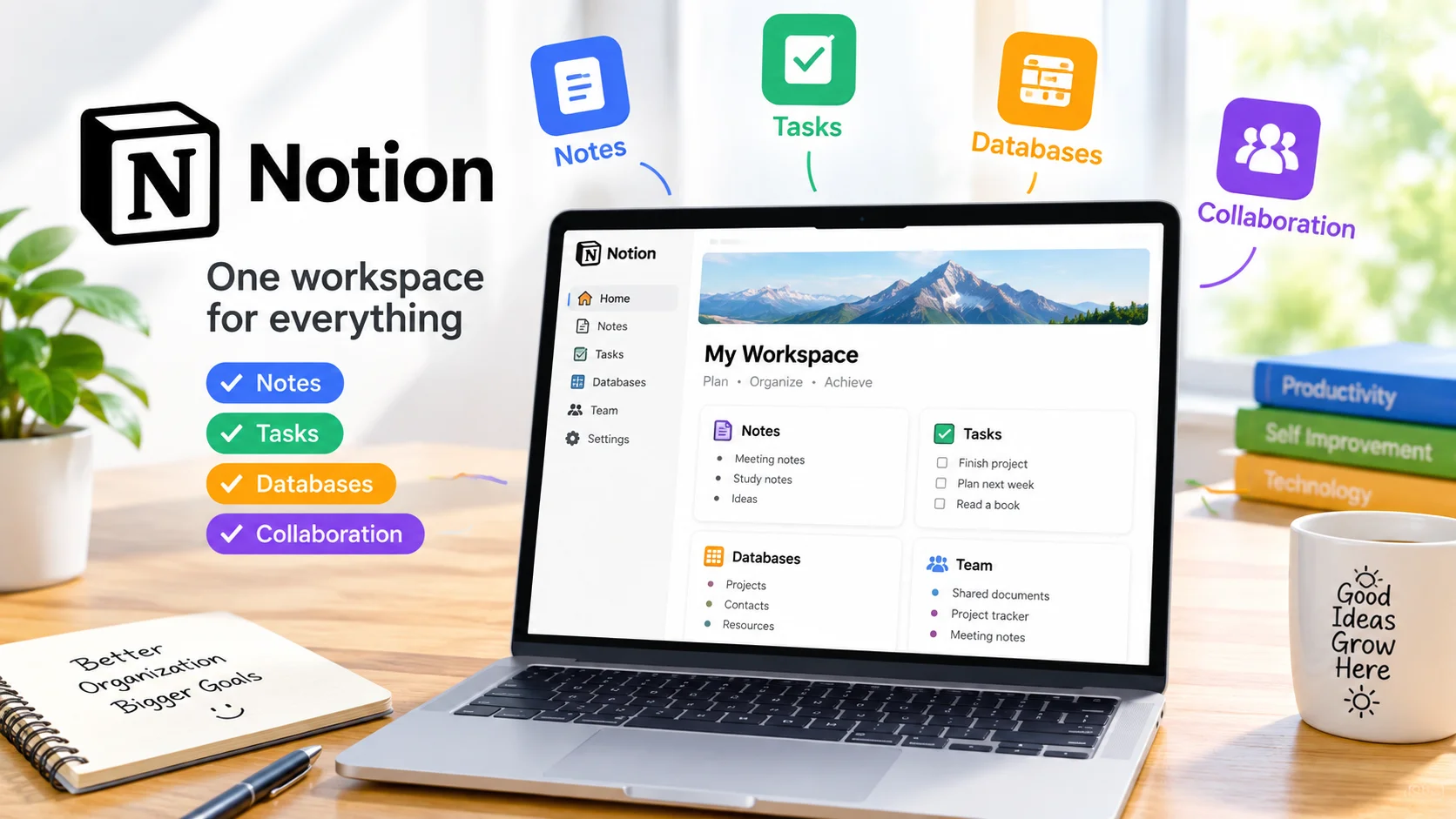
Notion productivity app tools have become popular among students, professionals, creators, and teams because they bring multiple productivity features into one flexible workspace. Instead of switching between separate apps for notes, tasks, databases, and collaboration, Notion lets you organize much of your work in a single place.
Whether you want to create simple notes, manage projects, build a personal planner, or organize a team workspace, Notion provides customizable tools that can adapt to different workflows.
What Is Notion?
Notion is an all-in-one productivity and workspace application designed for organizing information and managing work. It combines features commonly found in note-taking apps, task managers, project management tools, and databases.
Its flexible page-based system allows users to create workspaces that match their individual needs. You can start with a blank page or use templates to quickly build planners, project boards, meeting notes, reading lists, and other resources.
Key Features of Notion
Note-Taking
Notion makes it easy to create and organize notes using pages and blocks. You can add headings, paragraphs, checklists, images, tables, links, and other content to create structured documents.
This makes the app useful for everything from quick personal notes to detailed research documents.
Task Management
You can create task lists, assign due dates, add priorities, and organize projects. Tasks can be displayed in different formats, including lists, tables, calendars, and boards.
This flexibility helps users create a task-management system that fits their preferred workflow.
Powerful Databases
One of Notion’s most useful features is its database system. Databases can organize information such as projects, contacts, books, expenses, content ideas, or assignments.
You can also create different views of the same information, making it easier to switch between a table, board, calendar, or other available layout.
Collaboration
Notion supports collaborative workspaces where multiple people can contribute to pages and projects. Teams can use shared documents, project trackers, meeting notes, and knowledge bases to keep information organized.
Comments and shared editing can also make communication easier when working on documents together.
Customizable Templates
Notion offers templates that can help users get started quickly. Instead of building a workspace from scratch, you can choose a suitable structure and customize it for your needs.
Templates can be particularly helpful for project planning, personal organization, study schedules, content planning, and meeting management.
How Notion Can Improve Productivity
The biggest advantage of Notion is its flexibility. Rather than forcing everyone to follow the same workflow, it allows users to design their own system.
For example, a student could create a dashboard containing class notes, assignment deadlines, study schedules, and reading lists. A freelancer could use Notion to manage clients, projects, invoices, and content ideas.
Keeping related information in one workspace can also reduce the need to constantly move between different applications.
Notion for Personal Organization
Notion can be useful for managing everyday information. You can create a personal dashboard containing goals, routines, shopping lists, important links, and project ideas.
Because pages can be connected and organized hierarchically, you can create a structure that makes frequently used information easy to find.
Notion for Teams
Small businesses and teams can use Notion to create shared workspaces for projects and documentation. A team might maintain a company knowledge base, project tracker, meeting notes, onboarding documentation, and content calendar in one environment.
This can make important information easier to organize and access, particularly when several people contribute to the same projects.
Tips for Getting Started With Notion
If you’re new to Notion, avoid building a complicated workspace immediately. Start with a few essential pages and expand the system as your needs become clearer.
Here are some useful tips:
- Start with one workspace: Keep your initial setup simple.
- Use templates: Templates can save time when creating common page types.
- Create useful databases: Use databases when you need to organize and filter larger collections of information.
- Keep navigation simple: Organize pages into logical categories.
- Review your workspace regularly: Remove outdated pages and reorganize information when necessary.
Is Notion Worth Using?
Notion is a versatile option for people who want notes, tasks, databases, and collaboration features in one workspace. Its flexibility makes it suitable for many different productivity systems, from simple personal note-taking to more structured project management.
However, its many customization options can take some time to learn. Users who prefer a very simple, dedicated task or note-taking application may need to spend more time configuring Notion to match their preferred workflow.
Final Thoughts
Notion provides a flexible way to organize information, manage tasks, and collaborate without relying on numerous separate productivity tools. Its combination of pages, databases, templates, and collaboration features makes it useful for personal projects, study, work, and team organization.
If you want a customizable digital workspace that can grow with your productivity needs, Notion is worth exploring.