

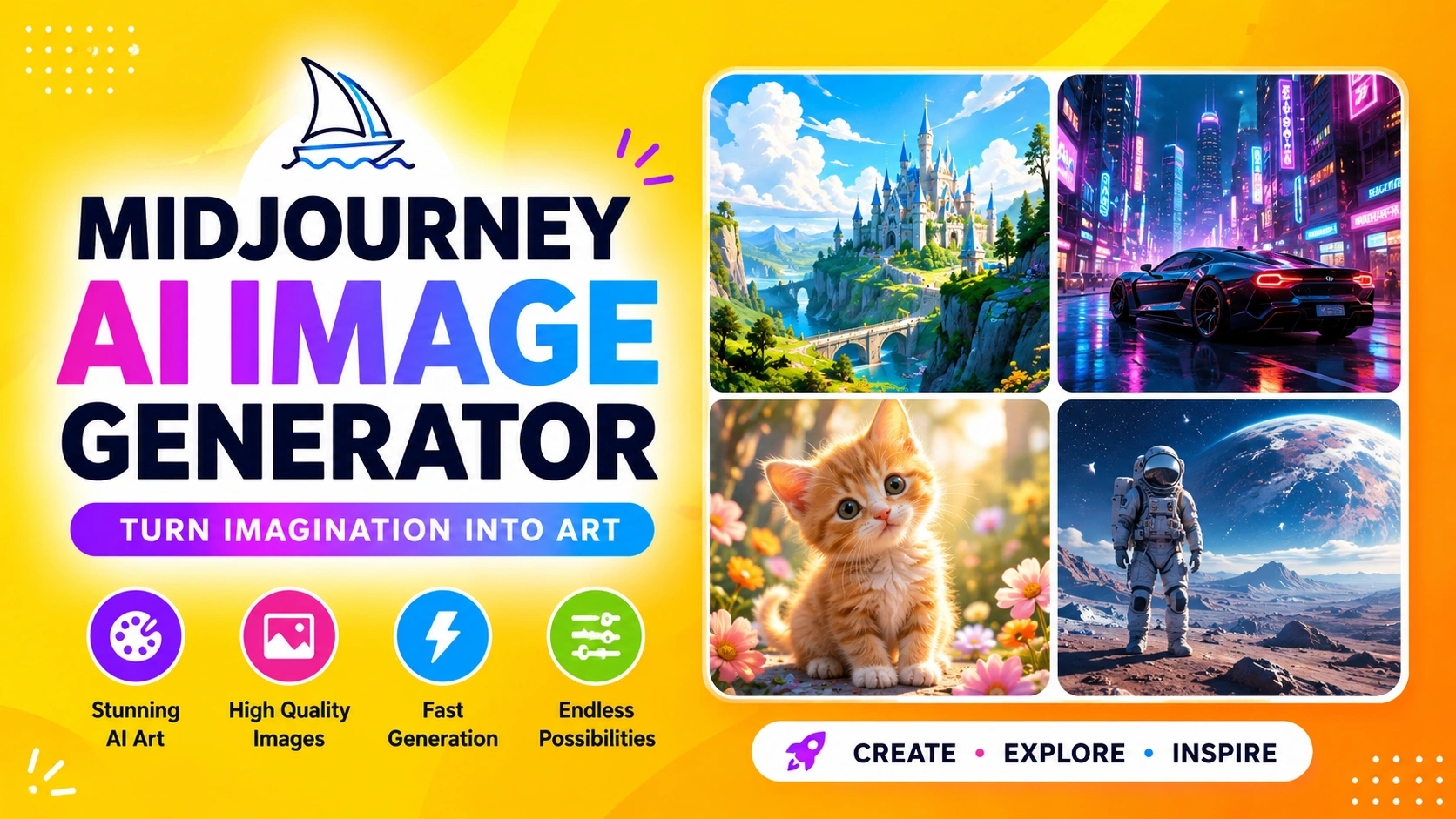
Midjourney is one of the most advanced AI image generation tools available today. It enables users to transform simple text prompts into highly detailed, visually stunning, and often artistic images using cutting-edge artificial intelligence technology. By interpreting natural language descriptions, Midjourney can generate everything from realistic portraits and landscapes to abstract digital art, making it a powerful tool for designers, marketers, content creators, and artists who need high-quality visuals without traditional design processes.
From concept art to marketing visuals, the Midjourney AI image generator has become a powerful tool for designers, creators, and businesses seeking fast, high-quality visual content without requiring traditional design skills. It streamlines the creative process by turning ideas into polished imagery in seconds, helping users save time while maintaining strong artistic and professional output. This makes it especially valuable for industries such as advertising, game development, social media content creation, and digital branding.
What is Midjourney AI Image Generator?
The Midjourney AI image generator is a generative artificial intelligence system designed to create images from text-based descriptions. Users simply input a prompt describing the desired scene, style, or concept, and the AI interprets the text to produce visually rich and detailed artwork.
For example, a user might enter a prompt such as:
“a futuristic cyberpunk city at night, neon lights, ultra realistic, cinematic style”
In response, Midjourney generates multiple image variations based on that description, each offering a unique artistic interpretation of the prompt.
Midjourney is widely used across various creative industries, including:
- Digital art creation and illustration
- Game and film concept design
- Marketing and advertising visuals
- Product mockups and branding materials
- Creative storytelling and visual development
By automating the image creation process, Midjourney helps creators quickly turn ideas into high-quality visuals, making it a valuable tool for both professionals and beginners.
How Midjourney Works
Midjourney operates using a diffusion-based machine learning model, which gradually transforms random noise into structured, high-quality images based on a text prompt. The process is designed to be simple for users while leveraging complex AI computation in the background.
1. Text Input (Prompt)
Users begin by entering a description of the image they want to create in natural language. This can include subjects, styles, colors, lighting, mood, and composition details.
2. AI Interpretation
The system analyzes the prompt and breaks it down into key visual elements such as objects, artistic style, perspective, and lighting conditions. It then translates these instructions into a visual concept.
3. Image Generation
Midjourney generates multiple image variations based on the interpreted prompt. Each output offers a different artistic interpretation, giving users several options to choose from.
4. Refinement Options
Users can refine the results by upscaling selected images for higher resolution, generating variations, or re-running the prompt to explore new outcomes.
This iterative workflow allows users to continuously adjust and improve the generated images until they closely match their creative vision.
Key Features of Midjourney AI Image Generator
1. High-Quality Visual Output
Midjourney is widely recognized for producing highly detailed, artistic, and often realistic images. Its outputs typically feature strong composition, refined textures, and visually appealing aesthetics.
2. Style Control
Users can guide the artistic direction of generated images by specifying styles such as:
- Photorealism
- Anime
- Digital painting
- 3D rendering
- Abstract art
This flexibility allows creators to match visuals with different project needs and branding styles.
3. Prompt Flexibility
Midjourney can interpret highly detailed and complex prompts. Users can include instructions related to mood, lighting, perspective, camera angles, and overall artistic direction, giving them precise creative control.
4. Variations and Upscaling
Each image generation typically includes multiple outputs, allowing users to explore different creative directions. In addition, users can:
- Upscale selected images for higher resolution and detail
- Generate variations to refine composition and style
5. Continuous Model Updates
Midjourney is continuously improving through regular model updates. These updates enhance realism, creativity, prompt understanding, and overall image quality, keeping the platform competitive in the evolving AI art space.
How to Use Midjourney AI Image Generator
Midjourney was originally built around the Discord platform, where users generate images by entering commands such as:
/imagine futuristic city skyline, sunset, cinematic lighting --ar 16:9
Today, Midjourney can also be accessed through a web-based interface, making it easier for users who prefer a more visual workflow instead of chat commands.
Basic Workflow
Using Midjourney AI image generator is straightforward and follows a simple process:
- Join the Midjourney platform (Discord or web interface)
- Enter a text prompt describing the image you want
- Wait for the AI to generate image variations
- Choose between upscaling or creating variations
- Download the final artwork
Best Practices for Better Results
To get the most accurate and visually appealing outputs from Midjourney, it’s important to structure your prompts effectively.
1. Be Specific
Instead of a vague prompt like:
“a car”
Use a more detailed description such as:
“a red sports car parked on a neon-lit Tokyo street at night, cinematic lighting, ultra realistic”
2. Add Style Keywords
Including style-related terms helps guide the artistic direction, such as:
- ultra realistic
- 4K detail
- cinematic lighting
- concept art
- watercolor style
3. Use Aspect Ratios
Midjourney allows users to control image dimensions using parameters like:
--ar 16:9for landscapes and widescreen visuals--ar 1:1for social media posts or profile images--ar 9:16for vertical content like stories and reels
4. Iterate Often
Instead of restarting from scratch, refine your results by generating variations and gradually improving the prompt until you achieve the desired output.
This iterative approach helps users unlock the full creative potential of Midjourney AI image generation.
Advantages of Midjourney AI Image Generator
Midjourney offers several strong advantages that make it one of the most popular AI image generation tools today:
- Produces professional-level artwork
It generates highly detailed, visually appealing images suitable for creative and commercial use. - Saves time compared to manual design
Users can create complex visuals in seconds without needing traditional design software or advanced skills. - Great for brainstorming and ideation
It helps creators quickly explore concepts and visualize ideas during the early stages of a project. - Supports a wide range of artistic styles
From photorealism to abstract art, Midjourney can adapt to many visual directions and creative needs. - Useful for both beginners and professionals
Its simple prompt-based system makes it accessible to newcomers while still powerful enough for experienced designers.
Limitations
While Midjourney is a powerful tool, it also has some limitations:
- Requires paid subscription for full access
Most advanced features and consistent usage require a subscription plan. - Learning curve for prompt engineering
Getting high-quality results often depends on how well users craft their prompts. - No full control over pixel-level editing
Unlike traditional design tools, users cannot precisely edit individual elements in the image. - Results may vary depending on prompt quality
The output is highly dependent on how detailed and clear the input prompt is.
Use Cases of Midjourney AI Image Generator
1. Graphic Design
Midjourney is widely used in graphic design to create visually appealing posters, banners, and branding materials. Designers can quickly generate multiple creative concepts before finalizing a design direction.
2. Entertainment Industry
In film, gaming, and animation, Midjourney helps develop concept art, character designs, and environment visuals. This allows creative teams to rapidly visualize ideas during pre-production.
3. Marketing
Marketers use Midjourney to produce advertisements, social media content, and product visuals. It enables fast creation of eye-catching imagery tailored to campaigns and brand storytelling.
4. Education
In education, Midjourney can be used to visualize abstract concepts, making complex ideas easier to understand through illustrative and engaging visuals.
Midjourney vs Other AI Image Tools
Midjourney stands out among AI image generation tools due to its strong focus on artistic quality and aesthetic consistency.
Strengths of Midjourney:
- Produces highly artistic and visually refined outputs
- Known for stylized, cinematic, and creative image generation
- Delivers consistent aesthetic appeal across generations
Where Other AI Tools May Have Advantages:
- More advanced editing and customization controls
- Availability of free usage tiers
- Better integration with professional design software and workflows
Overall, Midjourney is often preferred for its artistic excellence, while other tools may be chosen for flexibility, editing precision, or cost accessibility.
Frequently Asked Questions
1. What is Midjourney AI Image Generator used for?
Midjourney is used to generate AI-created images from text prompts. It is widely applied in art creation, graphic design, marketing visuals, concept development, and other creative projects.
2. Is Midjourney free?
No, Midjourney operates on a subscription-based model. While it may offer limited trial access, full features and regular usage typically require a paid plan.
3. Do I need design skills to use Midjourney?
No, design skills are not required. Users can simply type text prompts describing what they want, and the AI generates images based on those instructions.
4. Can Midjourney create realistic images?
Yes, Midjourney can generate both highly realistic images and stylized artistic visuals, depending on the prompt and selected settings.
5. Where can I access Midjourney?
Midjourney can be accessed through its official Discord server and its web-based platform, making it available for both chat-based and visual workflows.
Conclusion
Midjourney has revolutionized digital creativity by enabling users to generate high-quality images from simple text prompts. It bridges the gap between imagination and visual output, allowing ideas to be transformed into detailed and expressive artwork within seconds.
Whether you are a designer, marketer, content creator, or hobbyist, Midjourney provides a powerful and efficient way to bring creative concepts to life. Its ability to produce diverse artistic styles makes it suitable for a wide range of personal and professional projects.
As AI image generation technology continues to evolve, Midjourney remains one of the leading tools shaping the future of digital art, design workflows, and visual content creation across industries.