

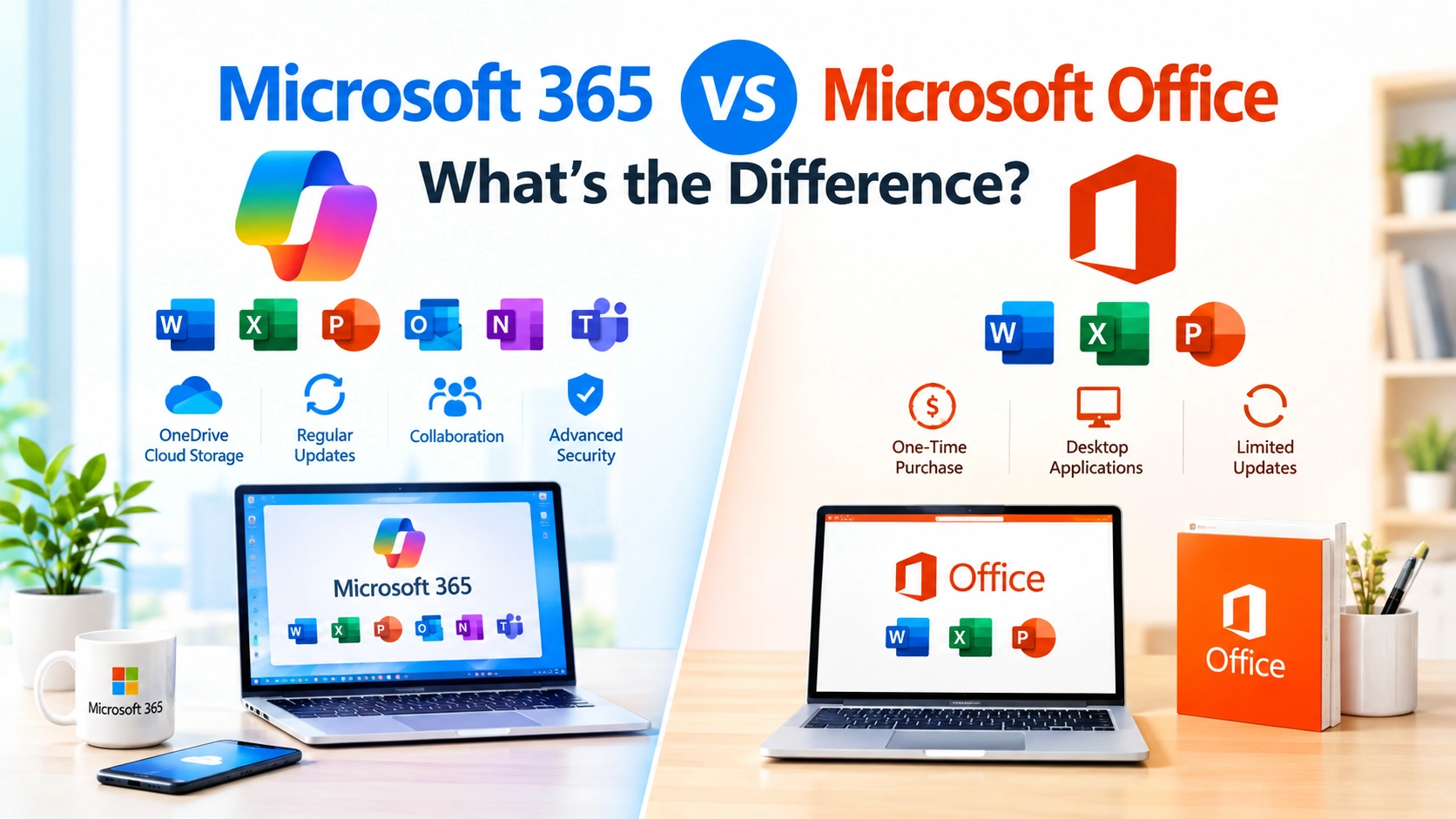
Microsoft offers several productivity solutions for Windows users, but two names often cause confusion: Microsoft 365 vs Microsoft Office. Although both provide familiar applications such as Word, Excel, PowerPoint, and Outlook, they are not exactly the same.
The biggest difference is how you obtain and use them. Microsoft 365 is primarily a subscription service that combines Office applications with cloud storage, online services, security features, and regular updates. Microsoft Office traditionally refers to a standalone version of the productivity applications purchased with a one-time license.
Understanding the differences can help you choose the right solution for work, school, business, or everyday computing.
What Is Microsoft 365?
Microsoft 365 is Microsoft’s subscription-based productivity platform. Depending on the plan, it provides access to applications such as Word, Excel, PowerPoint, Outlook, OneNote, and other Microsoft services.
One of its main advantages is cloud integration. Files can be stored and synchronized through OneDrive, allowing users to access documents from multiple devices.
Microsoft 365 subscriptions can also include additional features that are not available in traditional standalone Office editions.
Key Microsoft 365 Features
Microsoft 365 can provide:
- Word, Excel, and PowerPoint
- Outlook
- OneNote
- OneDrive cloud storage
- Collaboration and sharing features
- Regular application updates
- Cross-device access
- Online versions of Office applications
- Microsoft Teams on supported plans
- Additional security and administrative features on business plans
- AI-powered features on eligible plans
The exact applications and features depend on the Microsoft 365 subscription.
What Is Microsoft Office?
Microsoft Office is commonly used as a name for Microsoft’s traditional productivity software suite. It includes applications such as Word, Excel, and PowerPoint.
Unlike a Microsoft 365 subscription, standalone Office editions are generally purchased with a one-time license. The software remains available after the initial purchase, although the license does not provide the same ongoing subscription benefits as Microsoft 365.
For users who prefer to purchase software once and use the installed applications for several years, a standalone Office edition can be a straightforward option.
Microsoft 365 vs Microsoft Office: Main Differences
The easiest way to understand the distinction is to compare their licensing, updates, cloud services, and device support.
| Feature | Microsoft 365 | Microsoft Office |
|---|---|---|
| Payment model | Subscription | Usually one-time purchase |
| Word | Yes | Yes |
| Excel | Yes | Yes |
| PowerPoint | Yes | Yes |
| Outlook | Depends on plan | Depends on edition |
| OneDrive | Included storage varies by plan | Not generally included as a subscription benefit |
| Continuous updates | Yes | Limited to the purchased version |
| Multiple devices | Supported by eligible plans | License terms depend on edition |
| Cloud integration | Strong | Available but more limited |
| AI features | Available on eligible plans | Depends on edition and feature availability |
| Best suited for | Users wanting ongoing features | Users wanting standalone software |
The exact feature set can vary by Microsoft 365 plan and Office edition, so users should check the specific product before purchasing.
Subscription vs One-Time Purchase
The payment model is one of the most important differences.
With Microsoft 365, users generally pay monthly or annually. As long as the subscription remains active, eligible users receive access to the included applications and services.
A standalone Microsoft Office product generally requires a single purchase. You can continue using the licensed version, but you do not receive every benefit associated with a Microsoft 365 subscription.
Microsoft 365 Subscription
A subscription can be useful if you want:
- Continuous feature updates
- Cloud storage
- Access across multiple supported devices
- Cloud-based collaboration
- New features as they become available
- Additional Microsoft services
However, the recurring cost should be considered when comparing long-term expenses.
Standalone Microsoft Office
A one-time Office purchase may be suitable if you:
- Prefer not to pay a recurring subscription
- Mainly need Word, Excel, and PowerPoint
- Do not require large amounts of cloud storage
- Are comfortable using a specific Office version
- Do not need every new feature immediately
The downside is that a standalone edition may not provide the same ongoing feature additions and cloud services as Microsoft 365.
Are Word, Excel, and PowerPoint Different?
The core applications are familiar in both products, but the experience can differ depending on the specific version.
Microsoft 365 applications receive continuous updates. This means subscribers can receive new functionality, interface improvements, performance changes, and security updates during their subscription.
A standalone Office edition is tied to the version that was purchased. It continues receiving applicable updates for its supported lifecycle, but it does not function like an ongoing subscription with continuous feature additions.
For users who rely heavily on Microsoft Word, Excel, or PowerPoint, this difference can become significant over time.
Microsoft 365 and Cloud Storage
Cloud storage is another major distinction.
Microsoft 365 plans can include OneDrive storage, allowing users to save files online and synchronize them between supported devices.
For example, you can save a Word document to OneDrive on a Windows PC and then access the same file from another supported device.
Cloud storage also makes it easier to share documents and collaborate with other people.
A standalone Office purchase does not automatically provide the same subscription-based cloud storage benefits.
Microsoft 365 for Multiple Devices
Microsoft 365 is designed around a connected, multi-device experience.
Depending on the subscription, you may be able to use the applications on computers, tablets, and smartphones. This can be particularly useful if you work from different locations.
For example, you might edit an Excel spreadsheet on your Windows PC, review it on a tablet, and make a quick change from your phone.
Standalone Office licensing works differently and depends on the specific edition and license terms.
Updates and New Features
Updates are an important reason some users choose Microsoft 365.
Microsoft 365 subscribers generally receive ongoing application updates during their subscription. These can include new features, security improvements, and other enhancements.
With standalone Office, you generally receive updates for the purchased version according to its support policy. However, receiving updates does not mean receiving every new feature introduced to Microsoft 365.
This makes Microsoft 365 more appropriate for users who want their productivity software to evolve continuously.
AI Features: Microsoft 365 vs Office
Artificial intelligence has become increasingly integrated into Microsoft’s productivity ecosystem.
Eligible Microsoft 365 plans can provide access to AI-powered features in applications such as Word, Excel, PowerPoint, Outlook, and other Microsoft services, depending on the plan, account, region, and current availability.
These features can assist with tasks such as drafting text, analyzing information, creating presentations, or summarizing content.
AI availability should not be assumed simply because a product contains Word or Excel. Always check the specific Microsoft plan and current feature requirements.
Microsoft 365 for Businesses
Microsoft 365 is particularly relevant for organizations.
Business and enterprise plans can combine Office applications with services designed for collaboration, communication, administration, identity management, and security.
Organizations can use Microsoft 365 to provide employees with standardized productivity applications while managing users and services centrally.
This makes Microsoft 365 considerably broader than simply installing Word and Excel on a computer.
Microsoft Office for Basic Productivity
Standalone Office can still make sense for users with straightforward requirements.
If someone primarily needs Word, Excel, and PowerPoint on a computer and does not need a subscription-based ecosystem, a standalone Office edition may provide everything required.
For example, a home user who occasionally creates documents or spreadsheets may not need cloud storage, continuous feature updates, or advanced collaboration tools.
Which One Uses Less Internet?
Neither product requires constant internet access for basic desktop work after the applications have been installed and activated appropriately.
However, Microsoft 365 is more closely connected to online services. Features such as OneDrive synchronization, online collaboration, cloud-based storage, and certain AI capabilities require internet connectivity.
Standalone Office can provide a more traditional desktop-focused experience.
This does not mean Microsoft 365 cannot be used offline. Rather, its broader feature set is designed around a combination of local applications and cloud services.
Microsoft 365 vs Microsoft Office for Students
Students often need Word, Excel, and PowerPoint for assignments, presentations, research, and spreadsheets.
Microsoft 365 can be useful when students need:
- Cloud storage
- Access from multiple devices
- Easy file sharing
- Collaboration
- Regular application updates
- Online versions of Office applications
However, students should check whether their school or university already provides Microsoft 365 through an educational license. In some cases, eligible institutions provide access at no additional cost to the student.
Microsoft 365 vs Microsoft Office for Home Users
For home users, the decision largely depends on how the applications are used.
If you only need basic Word, Excel, and PowerPoint functionality and prefer a one-time purchase, standalone Office may be appropriate.
If you want cloud storage, multiple-device access, ongoing updates, and a broader Microsoft ecosystem, Microsoft 365 may be more suitable.
The best choice depends on the features you actually use rather than simply choosing the newest product.
Can You Use Microsoft 365 Without OneDrive?
Yes. Microsoft 365 applications can be used to work with files stored locally, although OneDrive is deeply integrated into the Microsoft 365 experience.
You can save compatible files to your computer or another supported storage location.
However, choosing not to use OneDrive means you may not take advantage of some of the cloud synchronization, backup, and sharing capabilities associated with Microsoft 365.
Can You Still Use Office Without Microsoft 365?
Yes.
Microsoft offers standalone Office products in addition to Microsoft 365 subscriptions. The available editions can change over time, so it is important to check Microsoft’s current product offerings before purchasing.
There are also free web versions of some Microsoft applications that can be used with a Microsoft account, although they do not necessarily provide all the functionality of the full desktop applications.
Microsoft 365 vs Microsoft Office: Cost Considerations
Price is another important factor.
Microsoft 365 uses a recurring subscription model, while standalone Office traditionally uses a one-time purchase model.
A one-time purchase may look less expensive initially, but Microsoft 365 can provide additional services such as cloud storage and continuing access to newer application features.
When comparing prices, consider the total cost over several years rather than only the initial purchase price.
You should also compare the exact plans because Microsoft offers different consumer, business, and enterprise subscriptions.
What Should You Choose?
The decision depends on your requirements.
Microsoft 365 may make sense if you want:
- Continuous updates
- OneDrive cloud storage
- Multi-device access
- Collaboration tools
- Online services
- New features over time
- Access to eligible AI capabilities
Standalone Microsoft Office may make sense if you want:
- A one-time purchase
- Traditional desktop applications
- Basic Word, Excel, and PowerPoint functionality
- Less dependence on subscription services
- A specific Office version
Neither option is universally suitable for every user. The important step is to compare the applications, licensing terms, cloud services, device support, and features included with the exact product you plan to use.
Frequently Asked Questions
Is Microsoft 365 the same as Microsoft Office?
No. Microsoft 365 is a subscription-based productivity service that combines Office applications with cloud and other services. Microsoft Office traditionally refers to standalone Office software editions.
Is Microsoft 365 better than Office?
They serve different needs. Microsoft 365 emphasizes subscriptions, cloud services, continuous updates, and multi-device use, while standalone Office focuses on a specific licensed software version.
Does Microsoft 365 include Word and Excel?
Yes. Eligible Microsoft 365 plans include Word and Excel, although the exact applications and features depend on the plan.
Can I buy Microsoft Office without a subscription?
Yes. Microsoft offers standalone Office products, although the specific products available can change over time.
Does Microsoft 365 require the internet?
An internet connection is required for downloading, activating, and updating Microsoft 365 and for many cloud-connected features. Installed applications can generally be used offline for supported tasks, subject to Microsoft’s licensing and activation requirements.
Does Microsoft 365 include OneDrive?
Many Microsoft 365 consumer and business plans include OneDrive storage, but the amount and features vary by subscription.
Final Thoughts
The difference between Microsoft 365 vs Microsoft Office mainly comes down to the way the software is licensed and the services that come with it.
Microsoft 365 combines Office applications with cloud storage, collaboration, ongoing updates, and other online services through a subscription. Standalone Microsoft Office provides traditional desktop productivity applications through a one-time purchase for supported editions.
If you frequently work across multiple devices, collaborate online, or want access to new features as they are introduced, Microsoft 365 provides an integrated subscription-based experience.
If you prefer to purchase software once and primarily need traditional desktop applications, a standalone Office edition can be a simpler approach.
Before making a decision, compare the specific Microsoft 365 plan or Office edition, because applications, storage, device limits, support periods, and advanced features vary between products.