

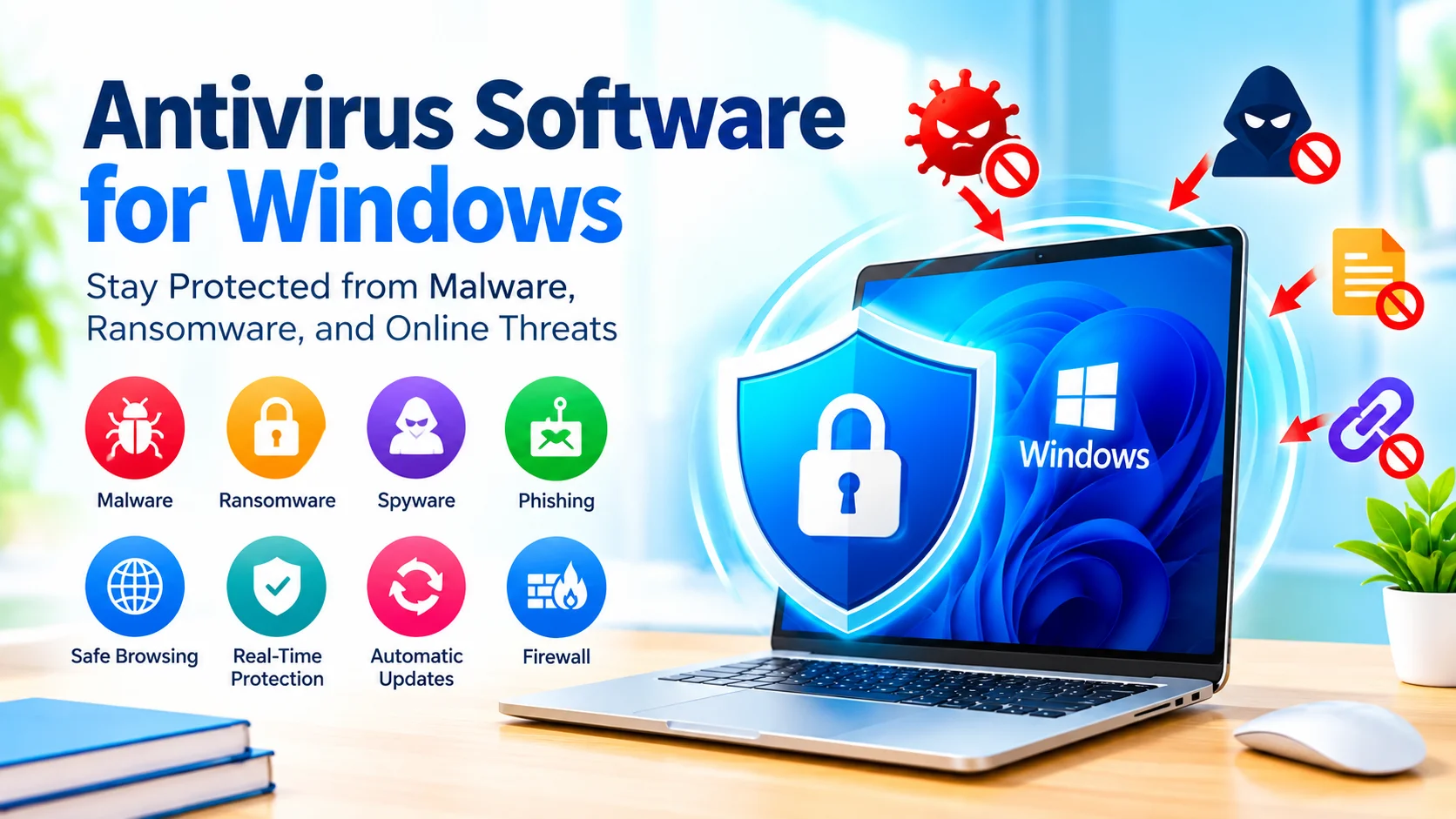
Antivirus software for Windows helps protect your computer from malware, ransomware, spyware, viruses, and other security threats. Although modern versions of Windows include built-in security features, antivirus protection remains an important part of maintaining a secure PC.
Whether you use your computer for work, gaming, online banking, or everyday browsing, understanding how antivirus software works can help you choose the right protection and avoid common security mistakes.
What Is Antivirus Software?
Antivirus software is a security program designed to detect, block, and remove malicious software from a computer. It monitors files, applications, downloads, websites, and other activities for potentially harmful behavior.
Modern antivirus programs do more than simply scan for traditional viruses. Depending on the product, they may also provide protection against:
- Malware and trojans
- Ransomware
- Spyware
- Phishing websites
- Malicious downloads
- Potentially unwanted applications
- Suspicious network activity
- Unauthorized changes to important files
Does Windows Already Have Antivirus Protection?
Yes. Windows includes built-in security features through Microsoft Defender Antivirus and Windows Security. For many users, these tools provide a useful baseline of protection without requiring a separate antivirus application.
Windows Security can provide features such as real-time protection, firewall controls, virus and threat protection, and security notifications.
Before installing another antivirus program, check whether your existing security software is already active. Running multiple real-time antivirus programs simultaneously can sometimes cause conflicts, performance issues, or duplicated notifications.
How Antivirus Software Protects Your PC
Antivirus programs generally use several detection techniques rather than relying on a single method.
1. Signature Detection
Traditional antivirus software compares files against known malware signatures. When a match is found, the software can block or quarantine the file.
2. Behavioral Detection
Behavior-based protection looks for suspicious activity. This can help identify previously unknown threats that do not yet have a specific signature.
3. Real-Time Scanning
Real-time protection continuously monitors files and applications as they are opened, downloaded, or executed.
4. Cloud-Based Detection
Some security products use cloud services to analyze suspicious files and behaviors. This can allow threat information to be updated more quickly than relying exclusively on locally stored definitions.
Key Features to Look For
When evaluating antivirus software for Windows, consider the features that match how you use your computer.
Real-Time Protection
Real-time scanning is one of the most important features because it can detect threats while you are using your PC rather than only during scheduled scans.
Malware Detection
The antivirus should be capable of identifying common malware, including viruses, trojans, spyware, and ransomware.
Automatic Updates
Security threats constantly change. Automatic updates help keep malware definitions and security components current.
Ransomware Protection
Ransomware can encrypt personal files and demand payment. Some security products provide additional controls designed to protect important folders from unauthorized changes.
Web Protection
Web protection can help identify dangerous websites, suspicious downloads, and known phishing pages before they cause problems.
Scheduled Scanning
Scheduled scans allow Windows users to check their systems automatically at convenient times.
Free vs. Paid Antivirus Software
Free antivirus solutions can provide essential malware protection without a subscription. They may be suitable for users who primarily need basic security.
Paid security suites often include additional features, such as password management, identity monitoring, enhanced web protection, parental controls, VPN services, or additional ransomware controls.
However, more features do not automatically mean better protection for every user. Consider which security functions you actually need before paying for a subscription.
How to Choose Antivirus Software for Windows
Before choosing an antivirus product, consider these factors:
Protection: Does it provide the security features you need?
Performance: Does it have a noticeable effect on startup times, applications, or gaming?
Ease of use: Are security alerts and settings easy to understand?
Updates: Does it receive regular security and malware-definition updates?
Compatibility: Does it work properly with your Windows version and other software?
Cost: Are important features available without an expensive subscription?
Privacy: Review what information the security product collects and how that information is handled.
How to Keep Antivirus Software Effective
Installing antivirus software is only one part of computer security. Follow these practices to improve your protection:
- Keep Windows updated.
- Install security updates for browsers and applications.
- Keep antivirus protection enabled.
- Avoid downloading software from untrusted websites.
- Be careful with email attachments and unexpected links.
- Use strong, unique passwords.
- Enable multi-factor authentication where available.
- Back up important files regularly.
- Avoid using administrator privileges for everyday tasks when unnecessary.
- Review security warnings instead of automatically dismissing them.
What to Do When Antivirus Detects a Threat
If your antivirus program detects malware, do not immediately ignore the warning.
First, review the detected file and the recommended action. Depending on the situation, the security software may quarantine or remove the file.
If you do not recognize the file, avoid opening it manually. After the threat has been handled, consider running a full system scan and checking whether Windows and your installed applications are fully updated.
For particularly serious infections, disconnecting the affected PC from the internet can help limit certain types of malicious activity while you investigate the problem.
Can Antivirus Software Slow Down Windows?
Antivirus software uses system resources because it needs to monitor files and processes. Modern security software is generally designed to minimize its performance impact, but resource usage can vary between products and computers.
If your PC becomes noticeably slower after installing security software, check its scan schedule, background activity, and compatibility with other security applications.
Common Antivirus Mistakes to Avoid
Some common mistakes can reduce the effectiveness of antivirus protection:
- Disabling real-time protection without a specific reason
- Ignoring repeated security warnings
- Installing several real-time antivirus programs
- Using outdated security software
- Downloading pirated or modified applications
- Assuming antivirus protection makes every download safe
- Failing to maintain backups
- Clicking suspicious links before checking them
Final Thoughts
Antivirus software is an important component of Windows security, but it should not be treated as the only defense against cyber threats. Built-in Windows security features can provide a strong starting point, while additional antivirus products may offer features that suit particular users and environments.
The most effective approach combines updated security software with safe browsing habits, regular Windows updates, strong authentication, and reliable backups. By taking these steps, you can reduce the risk of malware and keep your Windows PC better protected.
SEO Title
Meta Description