

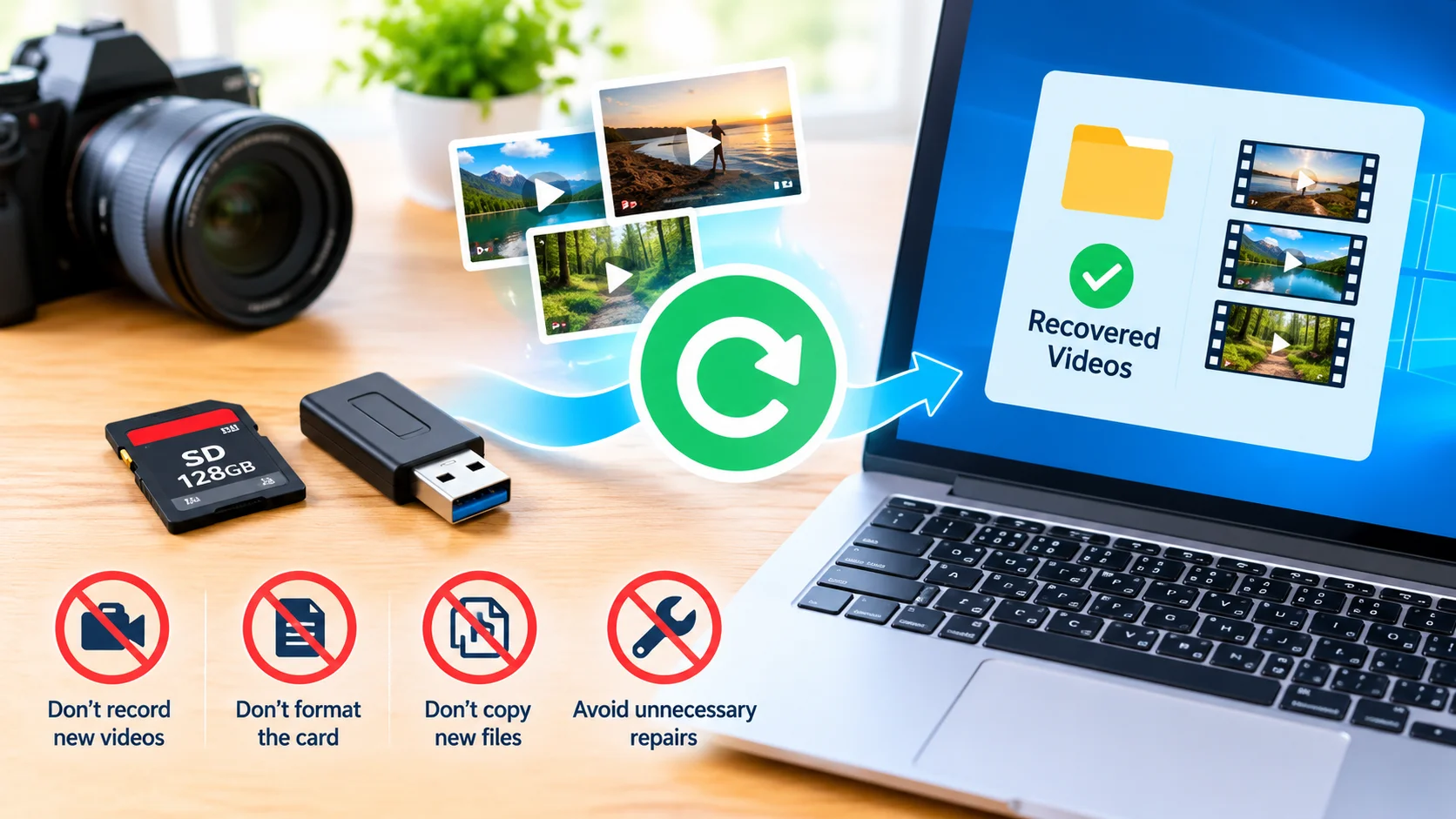
Recover deleted videos from an SD card, USB drive, or other removable storage can be possible if you act quickly. Videos recorded with smartphones, digital cameras, dashcams, and action cameras are commonly stored on removable devices. When important footage is accidentally deleted, the most important step is to avoid making changes to the storage device.
Stop Using the Storage Device
After deleting videos by mistake, immediately stop using the SD card or USB storage device. Deleted files may still remain on the device until their storage space is overwritten by new data.
Continuing to use the device can reduce the chances of recovering the original videos.
Avoid recording new footage or transferring files to the affected storage device.
Do Not Format the SD Card or USB Drive
Formatting may remove the file system information needed by recovery software. Even if Windows displays a message asking you to format the device, do not proceed if you are trying to recover deleted videos.
Instead, safely disconnect the device and prepare it for recovery.
Avoid Recording New Videos
If the deleted videos came from a camera or smartphone, do not put the SD card back into the device and continue recording. New recordings can overwrite portions of previously deleted files.
The same rule applies to USB-connected storage. Do not copy, move, or create files on the affected device.
Avoid Unnecessary Repair Operations
Windows may sometimes report that a removable drive has errors and suggest scanning or repairing it. If the device contains deleted videos that you want to recover, avoid unnecessary repair operations until you have considered your recovery options.
Changes to the file system can sometimes make recovery more complicated.
Connect the Storage Device to a Windows PC
Once you have stopped using the affected device, connect it to a Windows PC using an appropriate card reader, USB adapter, or direct connection.
Windows may recognize the storage device even if the deleted videos are no longer visible in File Explorer. This does not necessarily mean that the files are permanently gone.
In this guide, you’ll learn how to recover deleted videos in Windows using the Recycle Bin, backups, Windows recovery features, and data recovery software.
Use a Video Recovery Tool
A reputable data recovery tool can scan removable storage for deleted files. Follow the software’s instructions carefully and select the affected SD card or USB device as the scan location.
A deeper scan may take longer but can sometimes locate video files that are not visible through normal file browsing.
Save Recovered Videos to Another Location
One of the most important recovery rules is to never save recovered videos back to the original storage device.
For example, if you are recovering files from an SD card, save them to your Windows PC, an external hard drive, or another storage device. Saving recovered data to the same card could overwrite other deleted files that you are still trying to recover.
Check the Recovered Videos
After recovery, open the recovered videos and check whether they play correctly. Some files may be partially damaged, especially if the original storage device was corrupted or portions of the video were overwritten.
Keep copies of successfully recovered videos in a separate location.
What to Do If Recovery Fails
If a recovery tool cannot find the videos, avoid repeatedly writing data to the storage device. For valuable or irreplaceable footage, consider using a professional data recovery service rather than experimenting with multiple repair utilities.
The more the storage device is used after deletion, the greater the risk of overwriting recoverable data.
Prevent Future Video Loss
Once your videos have been recovered, consider creating a backup routine. Important camera footage can be copied to a computer, external drive, or cloud storage.
For particularly important recordings, keeping more than one backup can provide additional protection against accidental deletion, storage failure, or device damage.
Final Thoughts
Recovering deleted videos depends heavily on what happens after deletion. Stop using the affected SD card or USB storage device, avoid formatting and unnecessary repairs, and use a suitable recovery tool from a Windows PC.
Most importantly, save recovered videos somewhere other than the original storage device. Acting quickly and minimizing changes to the storage media can help preserve the best possible opportunity for successful recovery.